Curate a Collection
User roles
Protocol steward, curator
Collections are a tool used to group and arrange content in a structured way, or to provide additional context. They can also be used to provide an exhibit-type experience.
Protocol stewards and curators can curate the content within the collections they are responsible for. This article demonstrates adding and arranging content within a pre-existing collection.
Add content
-
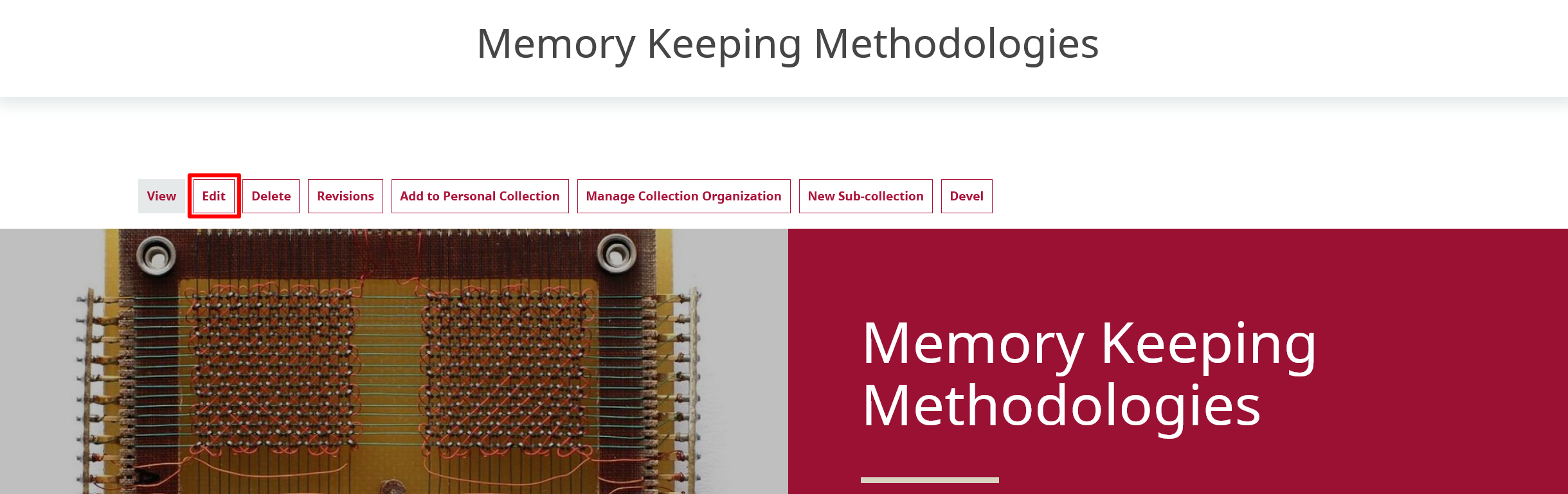
Navigate to the collection you want to manage. Select the Edit link below the collection title.
-
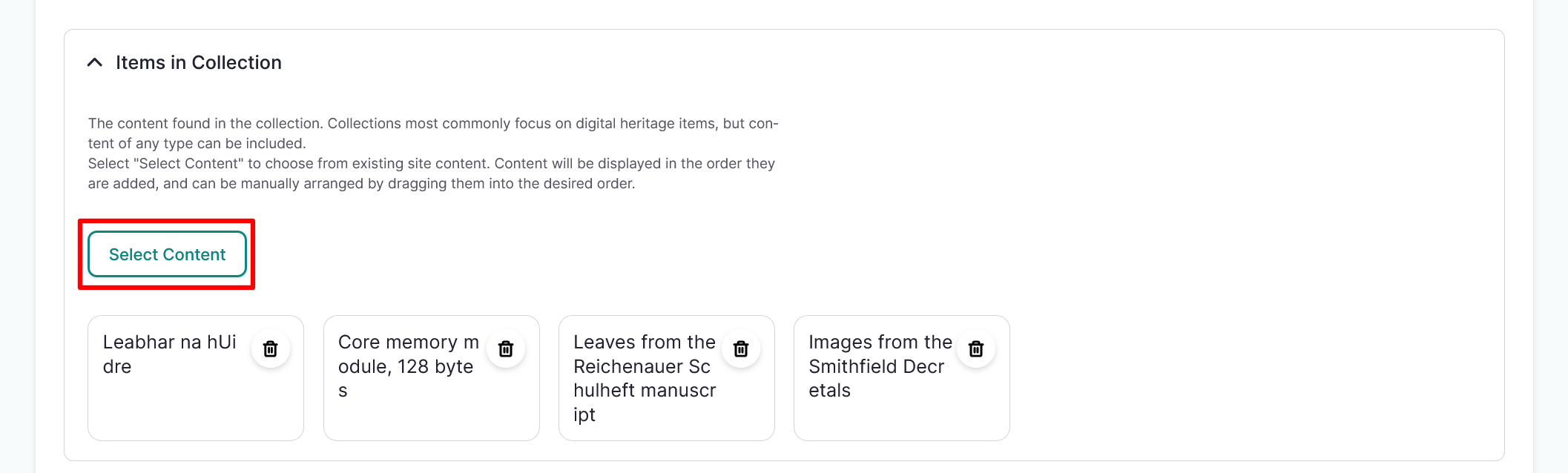
In the Mukurtu Essentials tab, navigate to the Items in Collection field and select the "Select Content" button.
Tip
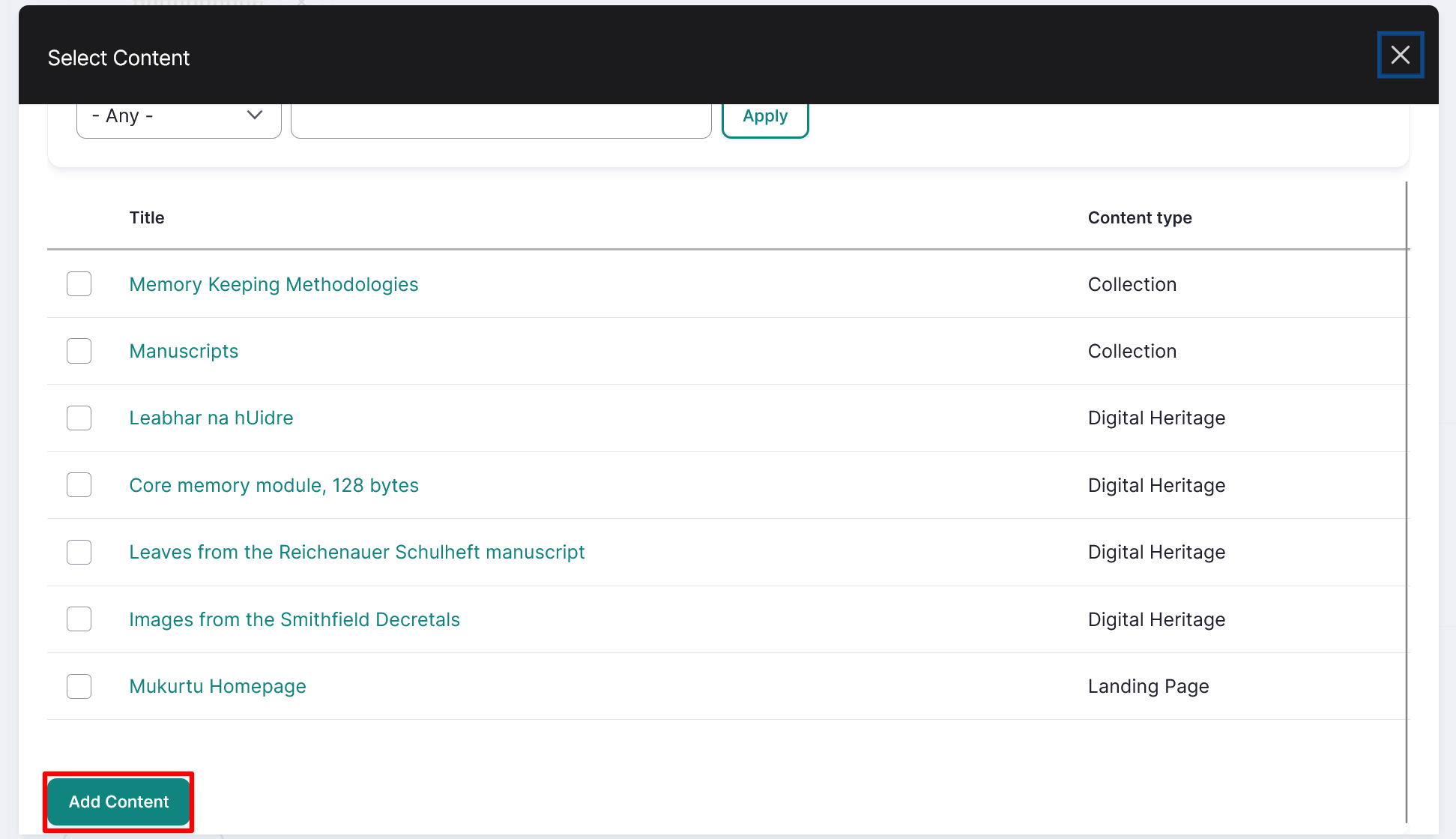
You can filter content by type or search by title.
-
Use the checkboxes to select content to add to the collection. Select the "Add Content" button below the content list to add selected content to the collection. You can add digital heritage items, dictionary words, person records, and word lists to your collection.
-
By default, content will be displayed on the collection page in the order it was added to the collection. You can also rearrange the content if needed.
To use the default order select the "Save" button at the top of the page to save your changes.
Arrange a collection
-
Navigate to the collection you want to rearrange, and select the Edit button from the menu below the collection title.
-
In the Mukurtu Essentials tab, navigate to the Items in the Collection field. Select and drag the content into the preferred order.
To remove content from the collection, select the "Remove" icon.
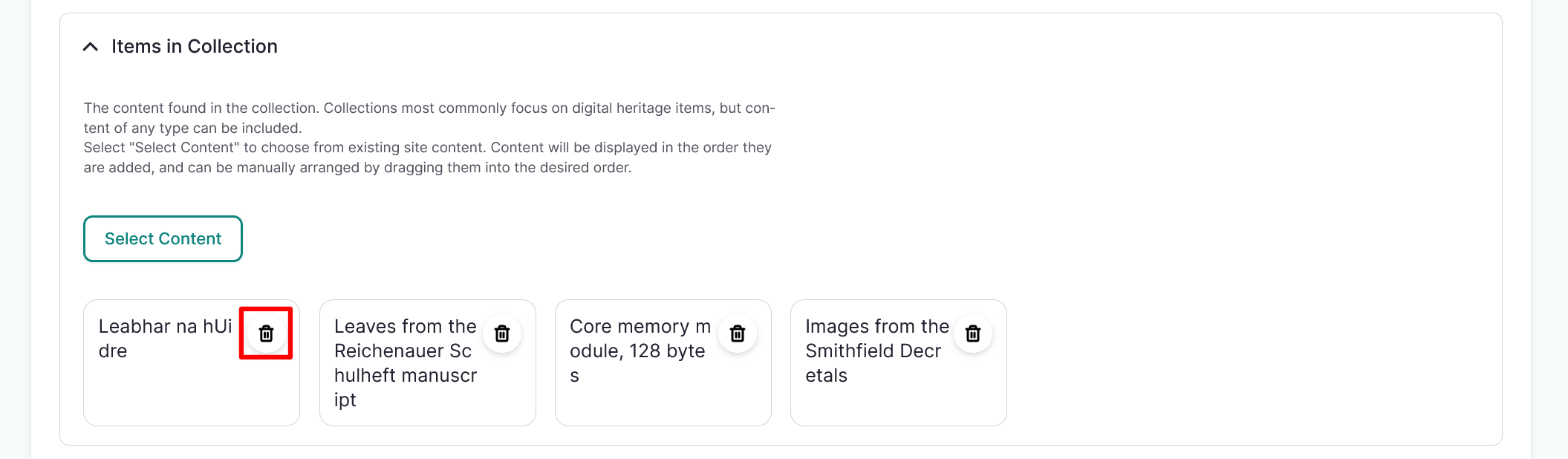
-
Select the "Save" button at the top of the page to save your changes.