Create and Manage a Personal Collection
User role
Authenticated user
Create a personal collection
-
There are two ways to create personal collections: from the dashboard, or on the fly from any content page.
- To create a personal collection from your dashboard, navigate to "Personal Collections" in your dashboard.
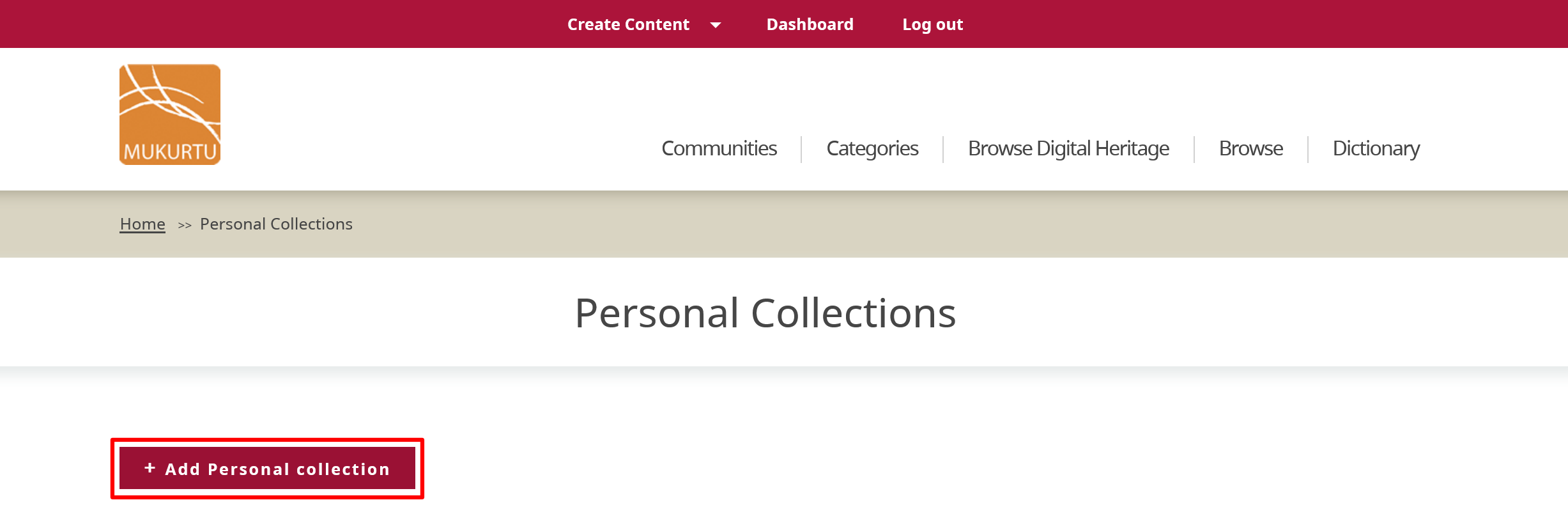
-
To create a personal collection from content, select Browse or Browse Digital Heritage to navigate to content.
- Select the content you want to add to your personal collection.
- Select the "Add to personal collection" button from the menu bar of the content.
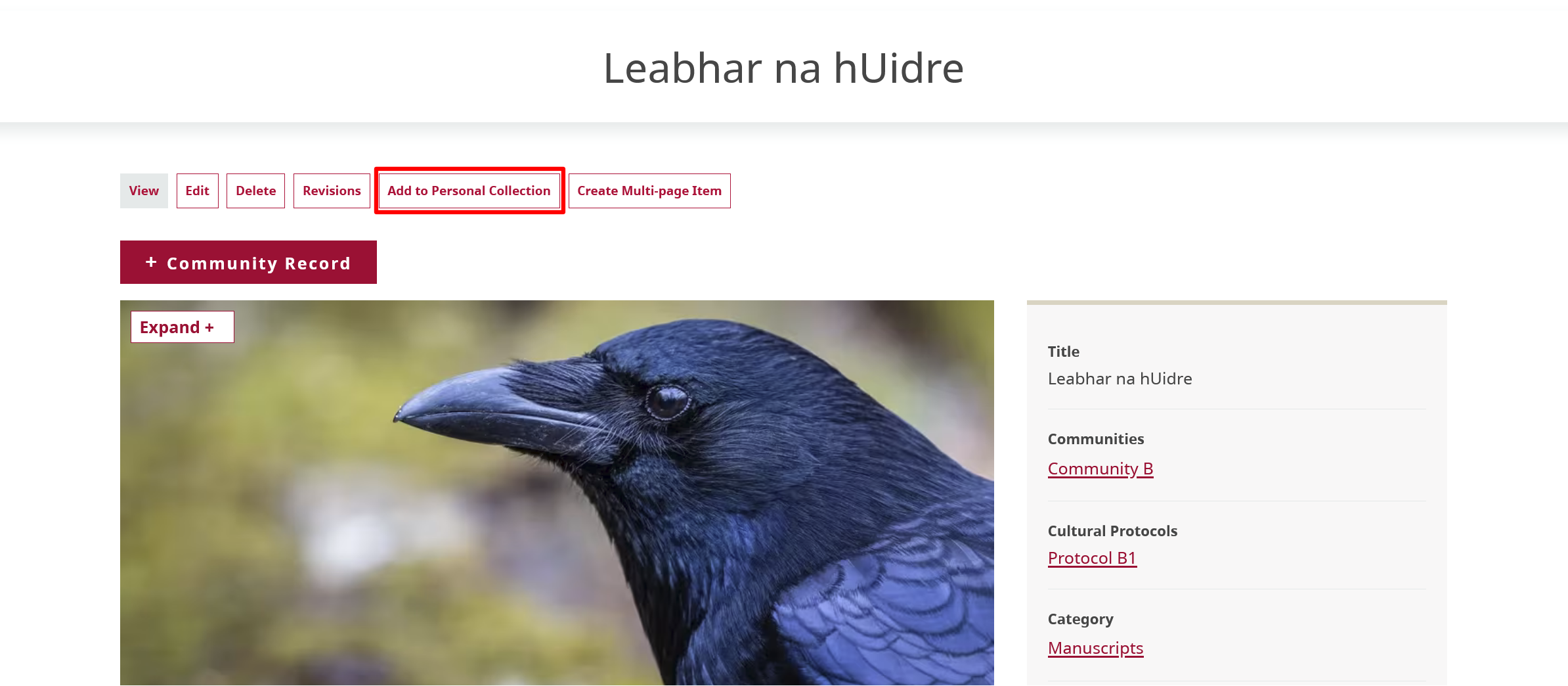
The remaining steps are the same as creating a new personal collection from your dashboard.
-
Select the Create a new personal collection dropdown menu.

-
In the Personal collection name field, enter a name for your collection.
-
Select a Privacy Setting. Personal collections can be either public or private. Private personal collections are only visible to you, while public personal collections are accessible by anyone. Privacy settings do not override assigned cultural protocols. Any items under strict protocols are only accesible to protocol members.
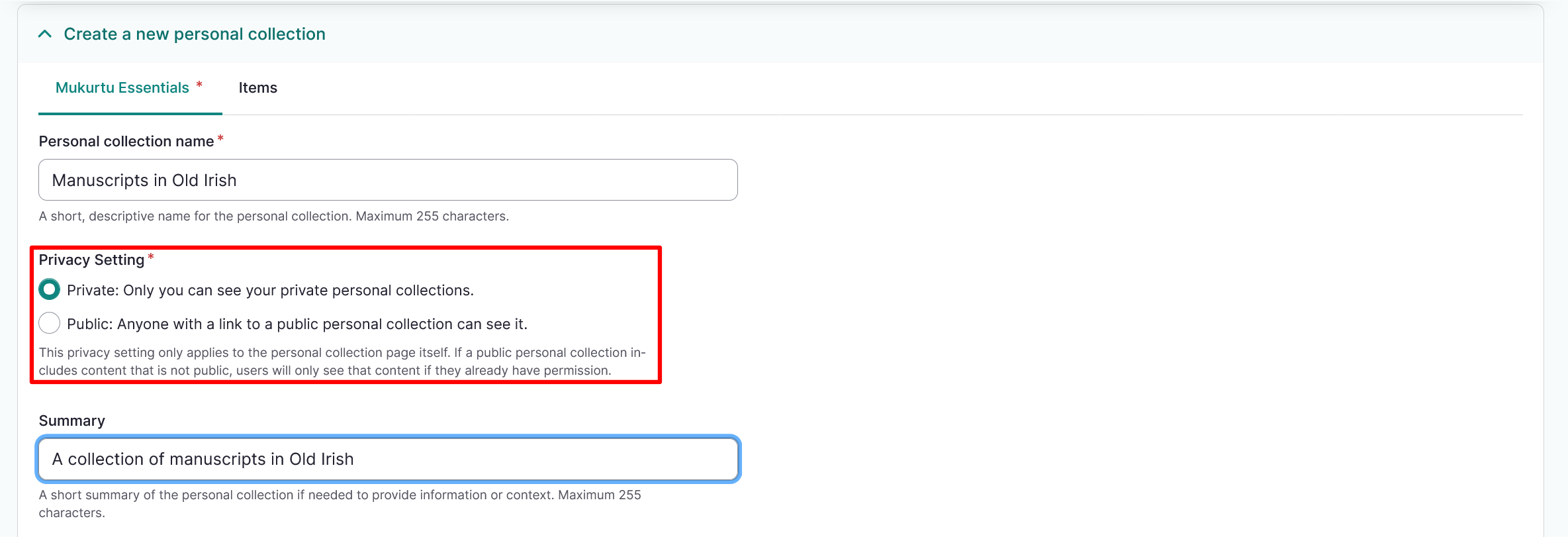
-
Enter a Summary and a Description for your personal collection.
-
You may choose to add a thumbnail to your personal collection. Select "Add media" to upload an image or select one from the media library. For instructions on how to add a thumbnail image, refer to the Upload Media Assets: Image article.
Tip
You may choose to add a summary, description, and thumbnail to your personal collection. These are helpful for keeping multiple private personal collections organized. If your personal collections are public these fields can help other users browse your personal collection.
-
Select "Save" to save your personal collection at this point, or navigate to the top of the page and select the Items tab to add content.
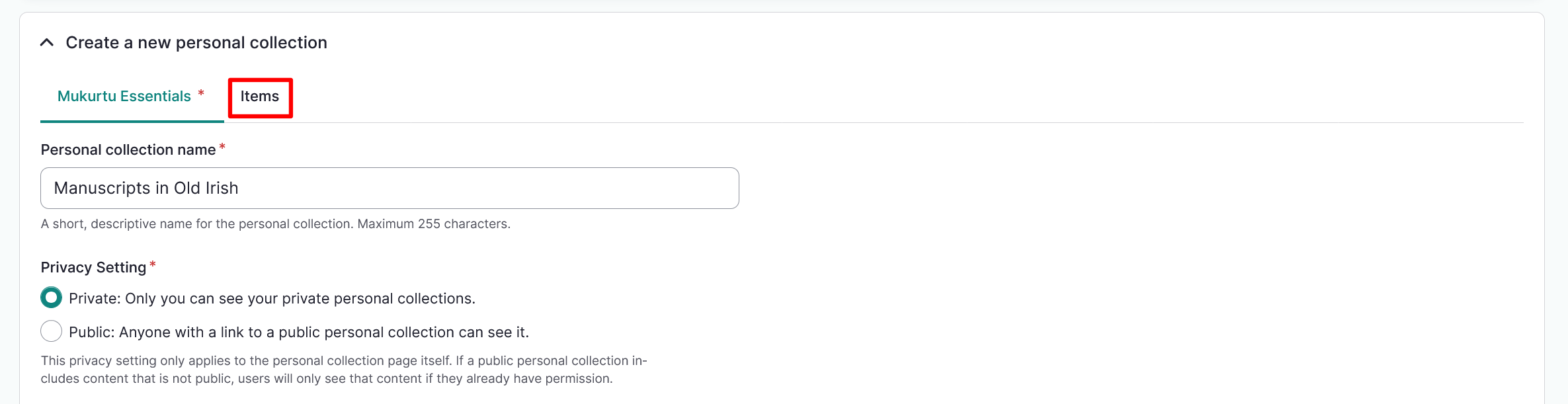
-
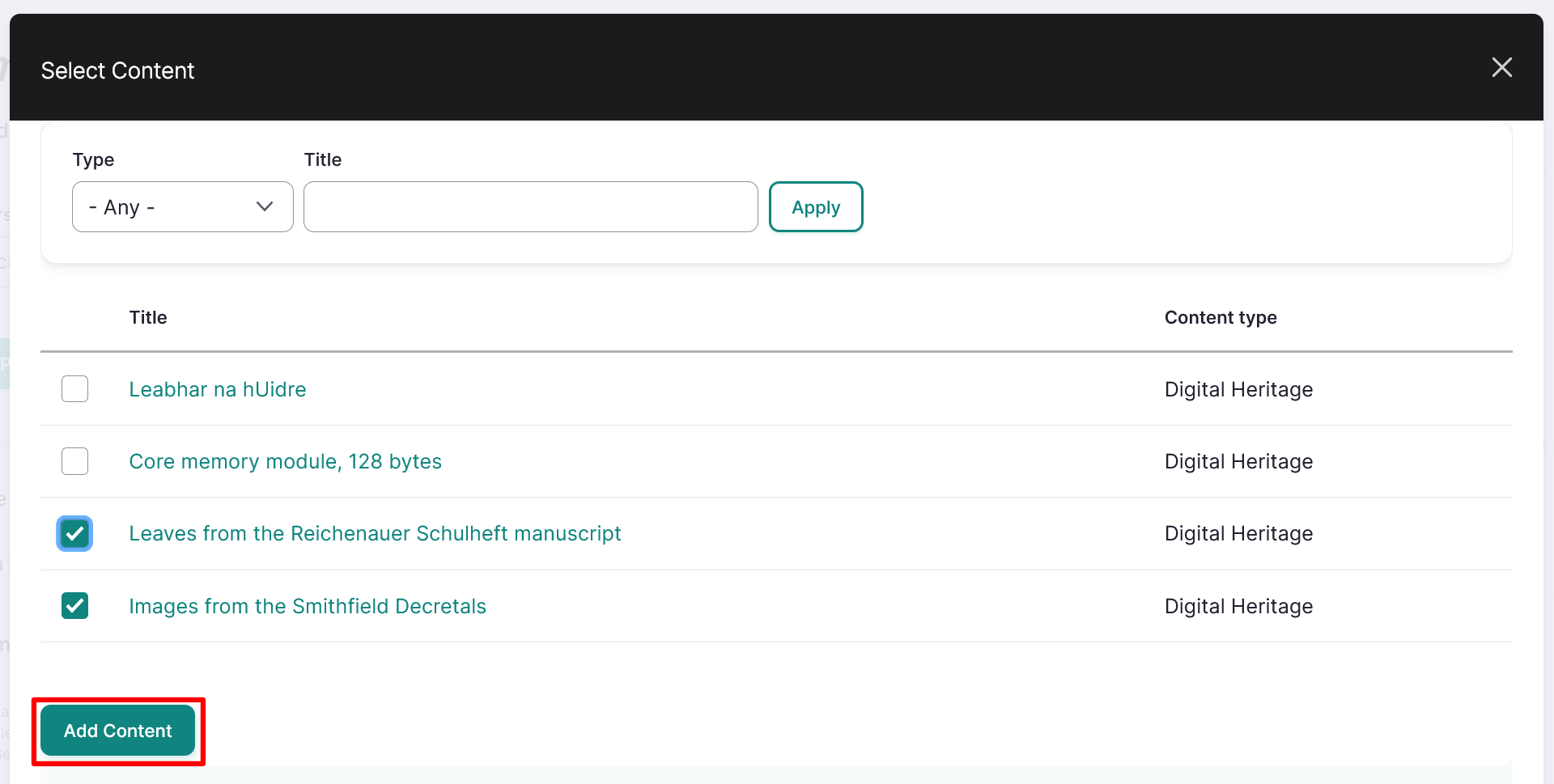
From the Items tab, select the "Select Content" button.
Tip
You can filter content by type or search by title.
- Scroll down and select the checkbox beside the content you want to add to your personal collection.
- Select "Add Content" to add the content to your personal collection.
-
Select "Save".
Manage a personal collection
To manage a personal collection, navigate to "Personal Collections" through the dashboard.
- Select the collection you want to manage.
-
Select "Edit" at the top of the collection.
-
Either edit the personal collection information in the Mukurtu Essentials tab or add new items to the personal collection in the Items tab.
- Select "Save" to save any changes to the personal collection.