Translate Content
User roles
Mukurtu manager, protocol steward, language steward, contributor, language contributor, curator, community record steward
Once the Mukurtu Multilingual module is installed and a language is added see Enable Multilingual Module, site content can be translated.
If a user can create or edit a piece of content, they can also translate it - additional roles or permissions are not required.
Content translation functions the same way for all content types.
-
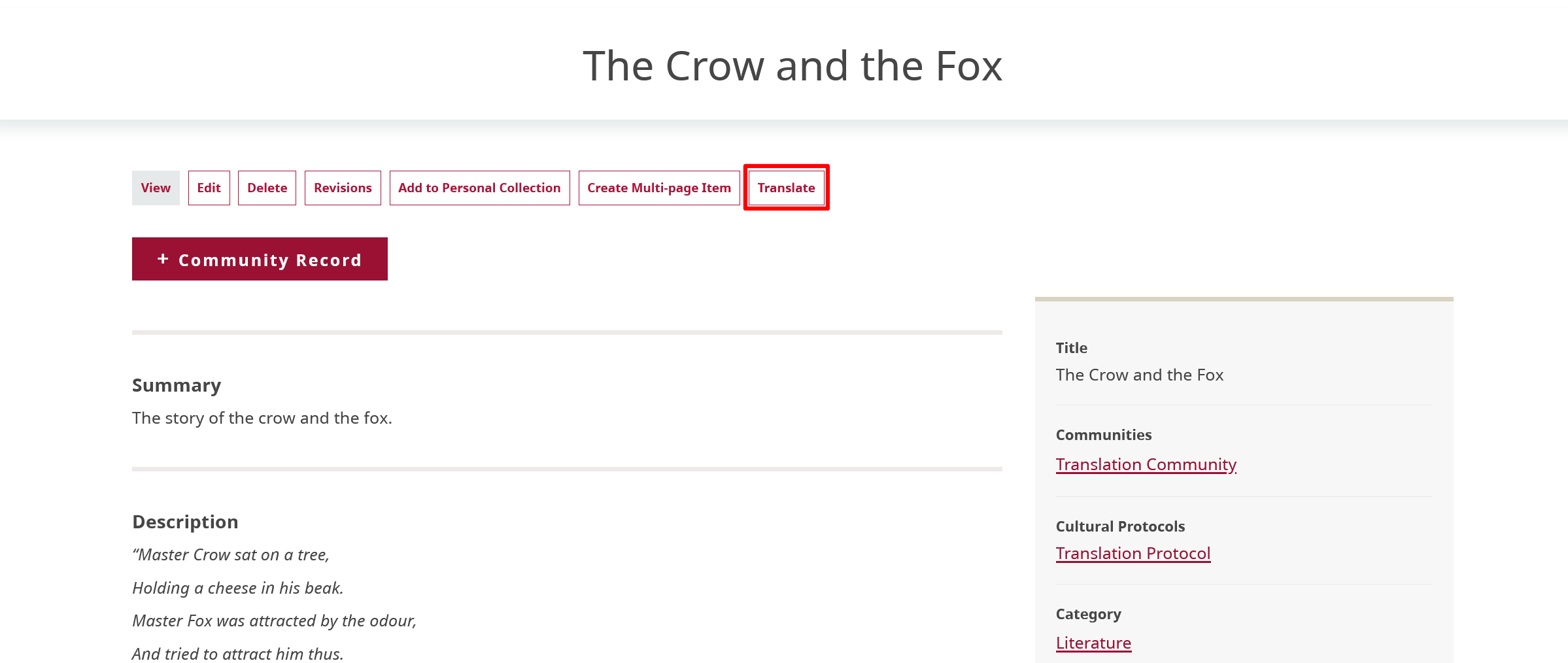
Navigate to the content you want to translate and select the "Translate" button.
-
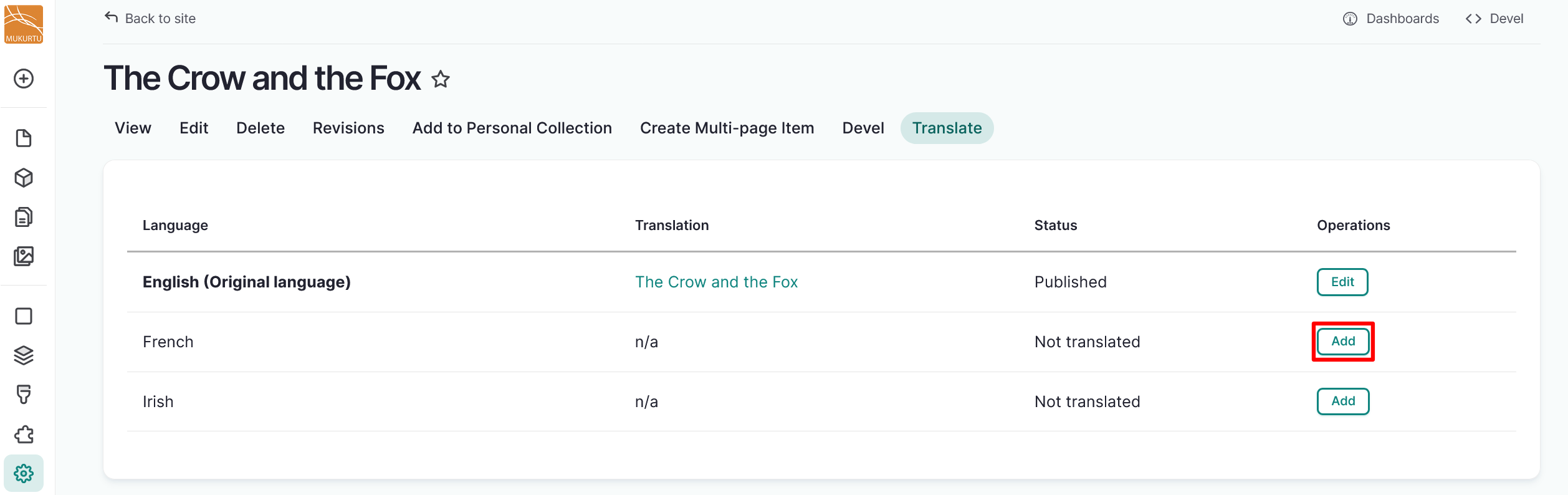
Select the "Add" button to the right of the language you want to translate your content into.
-
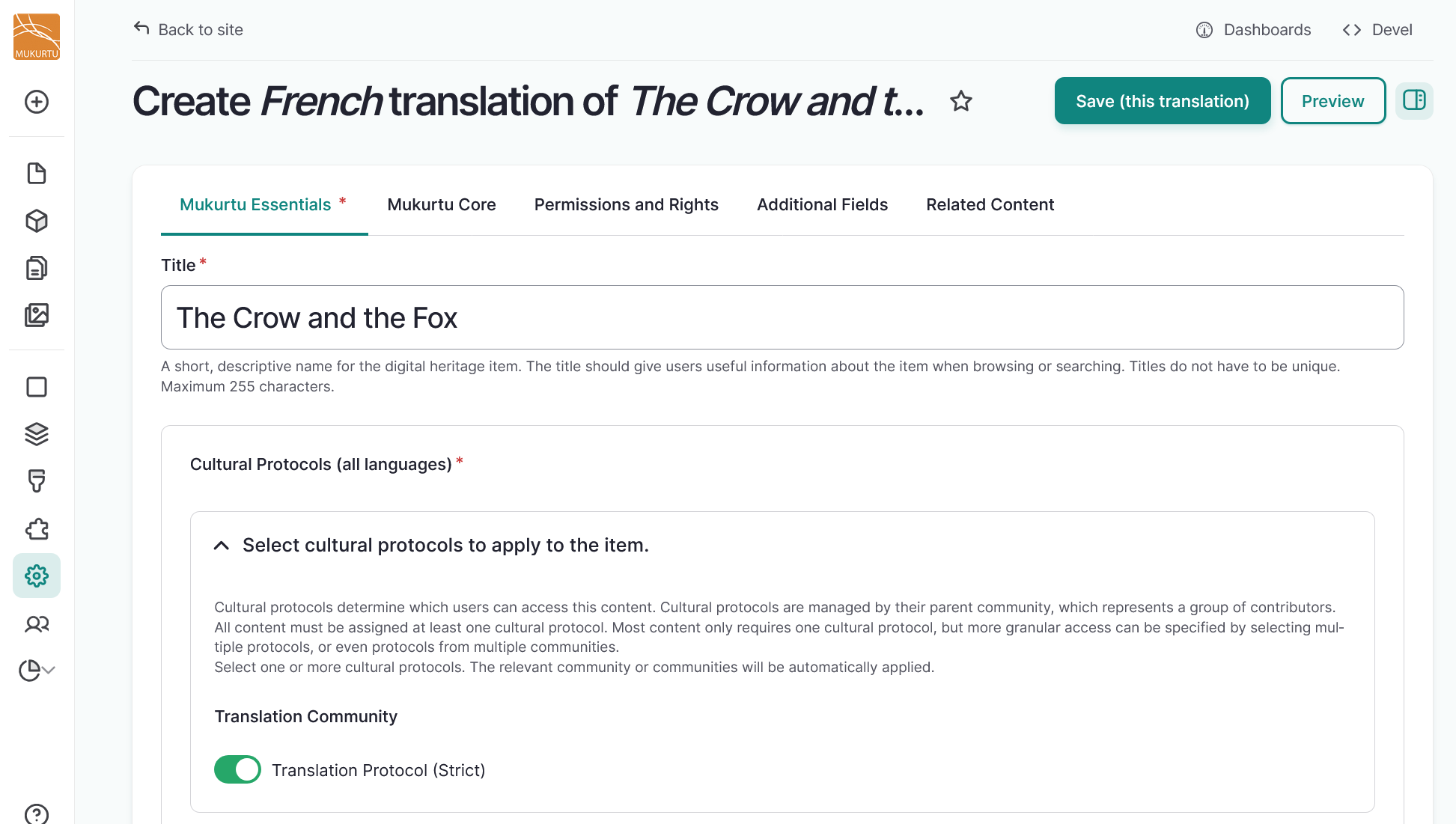
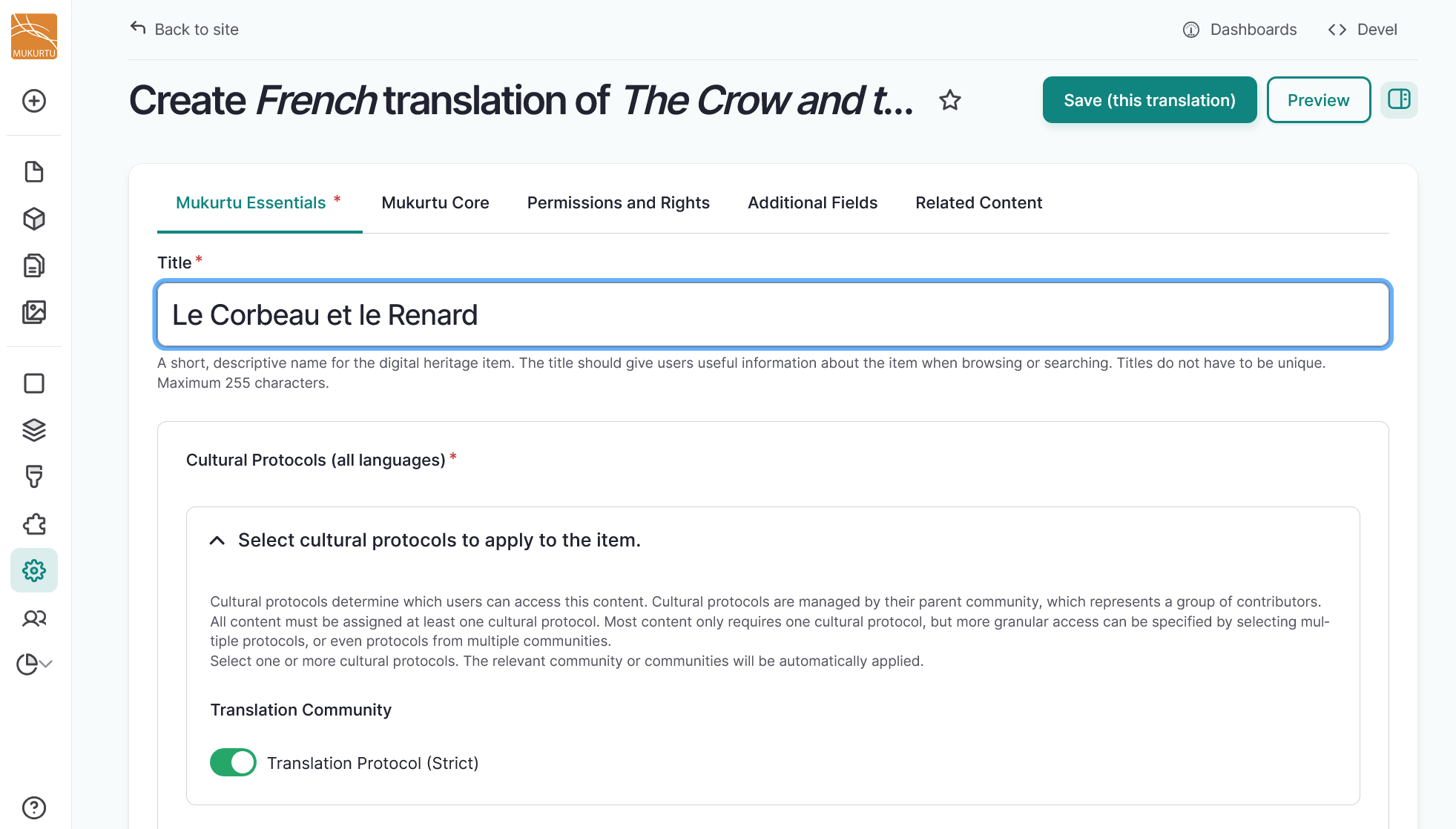
The fields appear with text in the original language for ease of reference. Replace this text with your preferred translation.
-
When you complete your translation, select the "Save (this translation)" button in the top right-hand corner to save your translation.
-
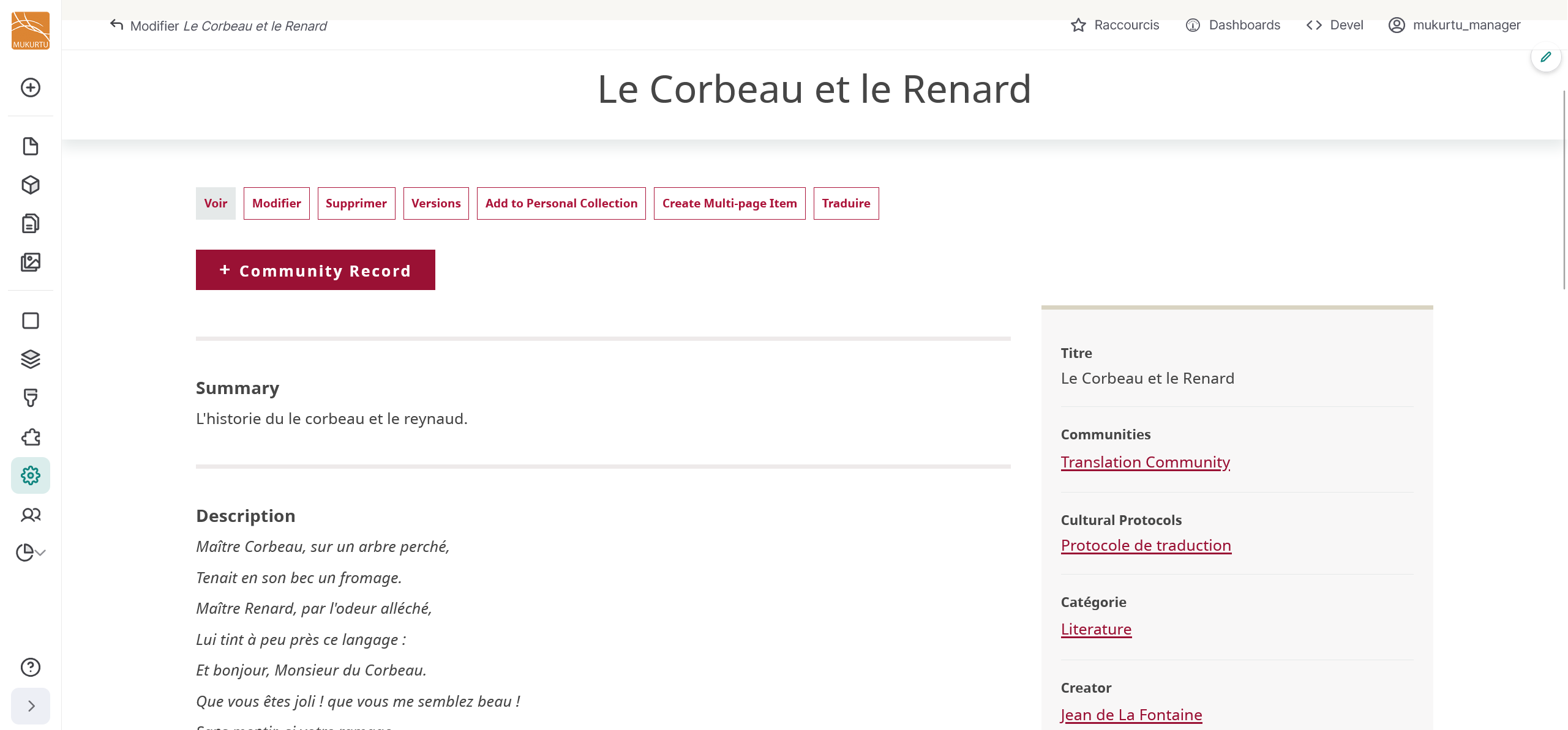
This is what a translated digital heritage item looks like.