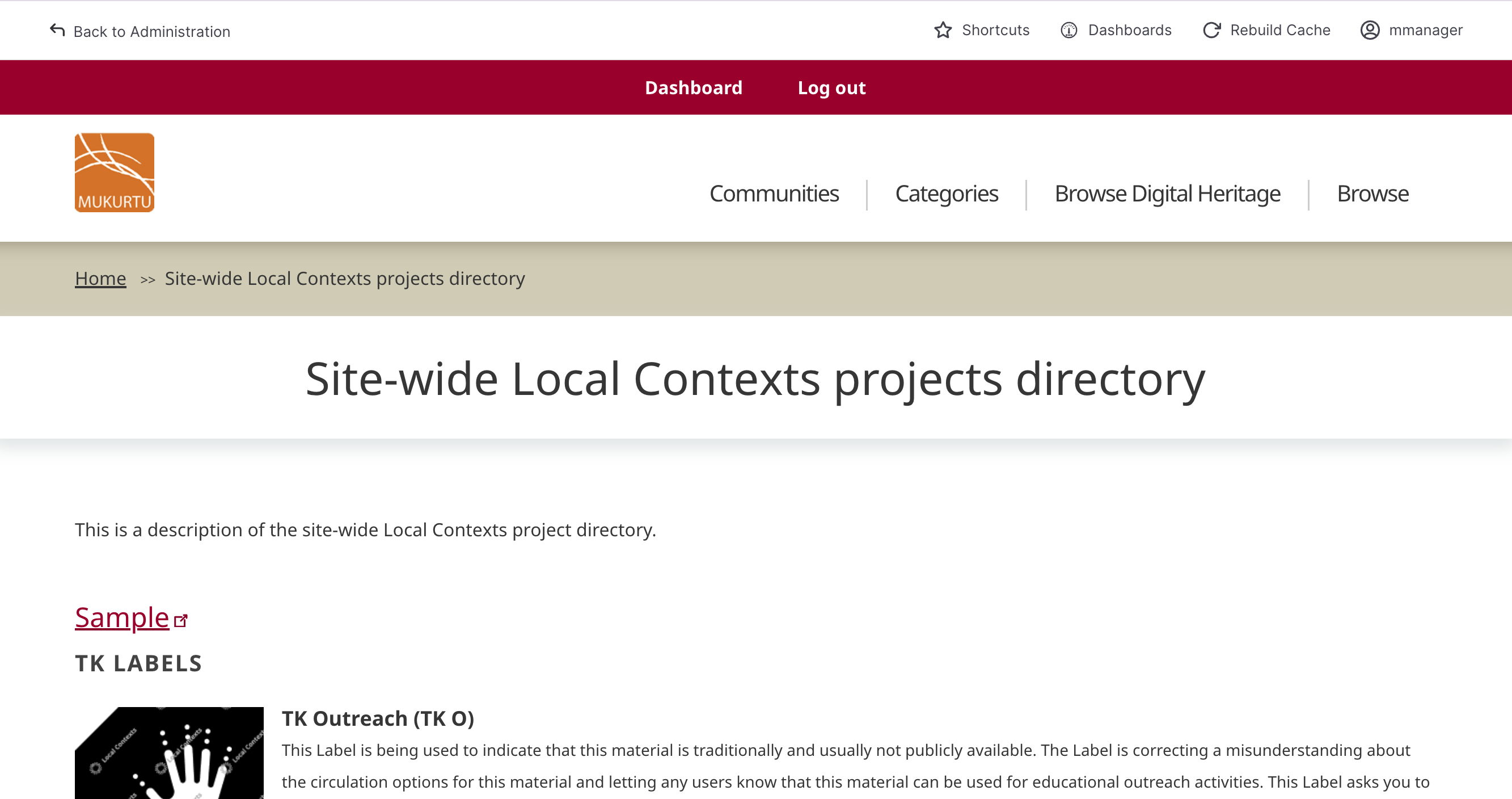
View and Manage Directory Pages
User roles
Mukurtu manager, community manager, protocol steward
The Local Contexts directory provides information about Local Contexts projects and their accompanying labels and notices.
To learn more about Local Contexts, and the Local Contexts Hub see Understanding the Local Contexts Hub
Requirement
To use the directory you must first create a Local Contexts profile and account, configure your labels within projects, generate a unique API key, and add that key to your site. To learn more about this process, and configure your labels, visit Getting Started on the Hub. To add an API key to your site, see Manage Local Contexts Projects for instructions.
View project directories
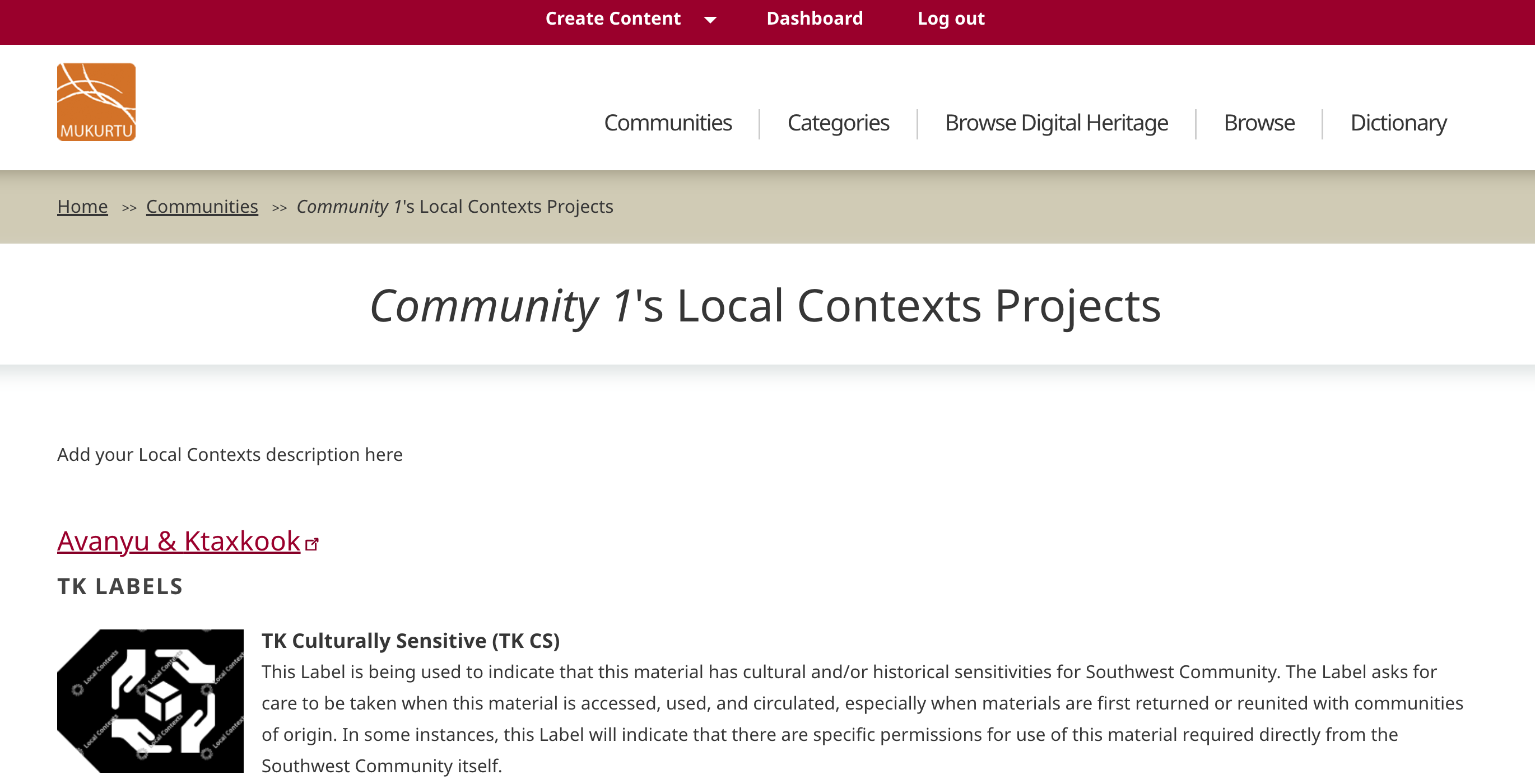
Project directory pages exist at the site level and within each community and protocol. Each directory page displays all the relevant projects, along with their labels and notices, grouped by type.
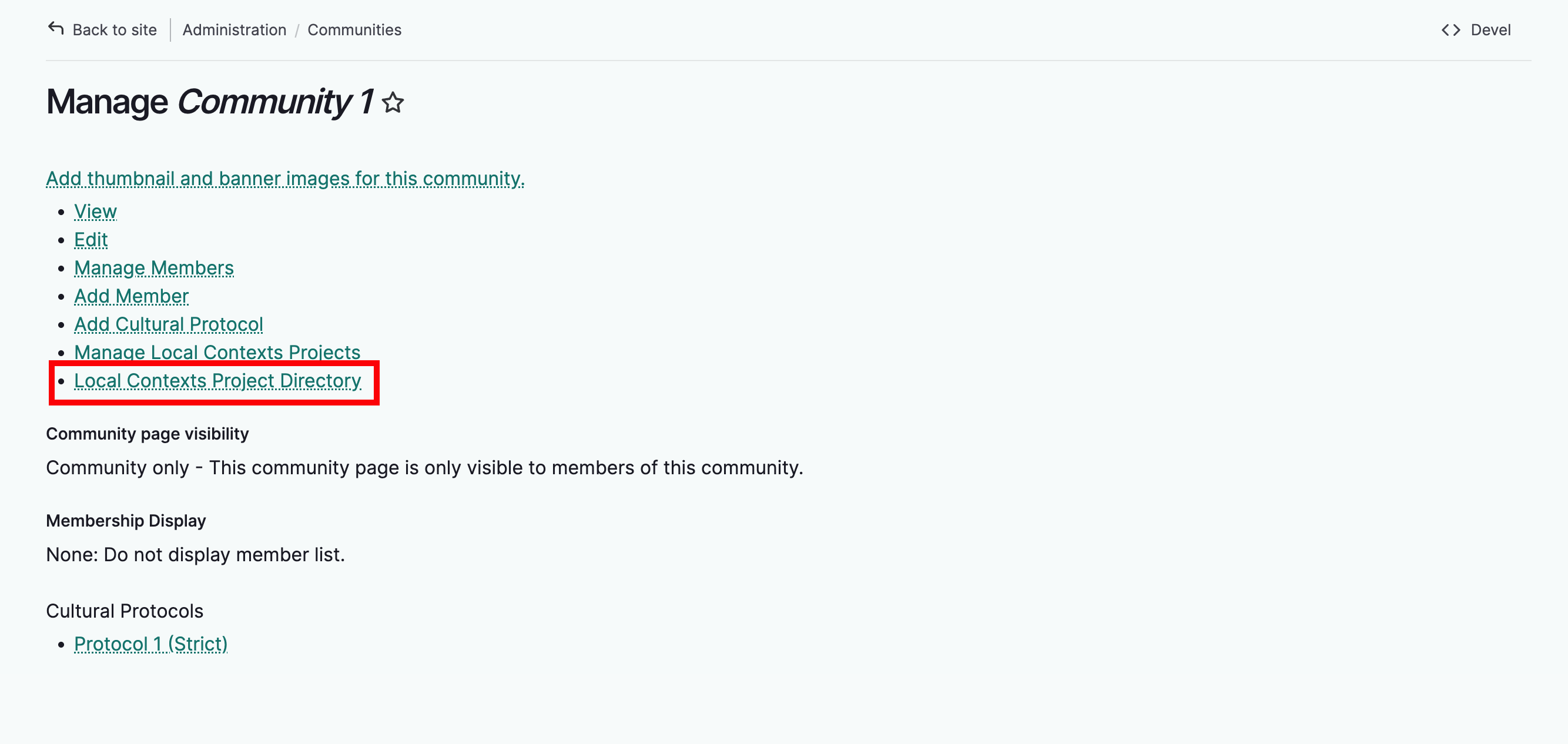
To view project directories within a community or protocol, navigate to the community or protocol you wish to view and select Local Contexts Project Directory.
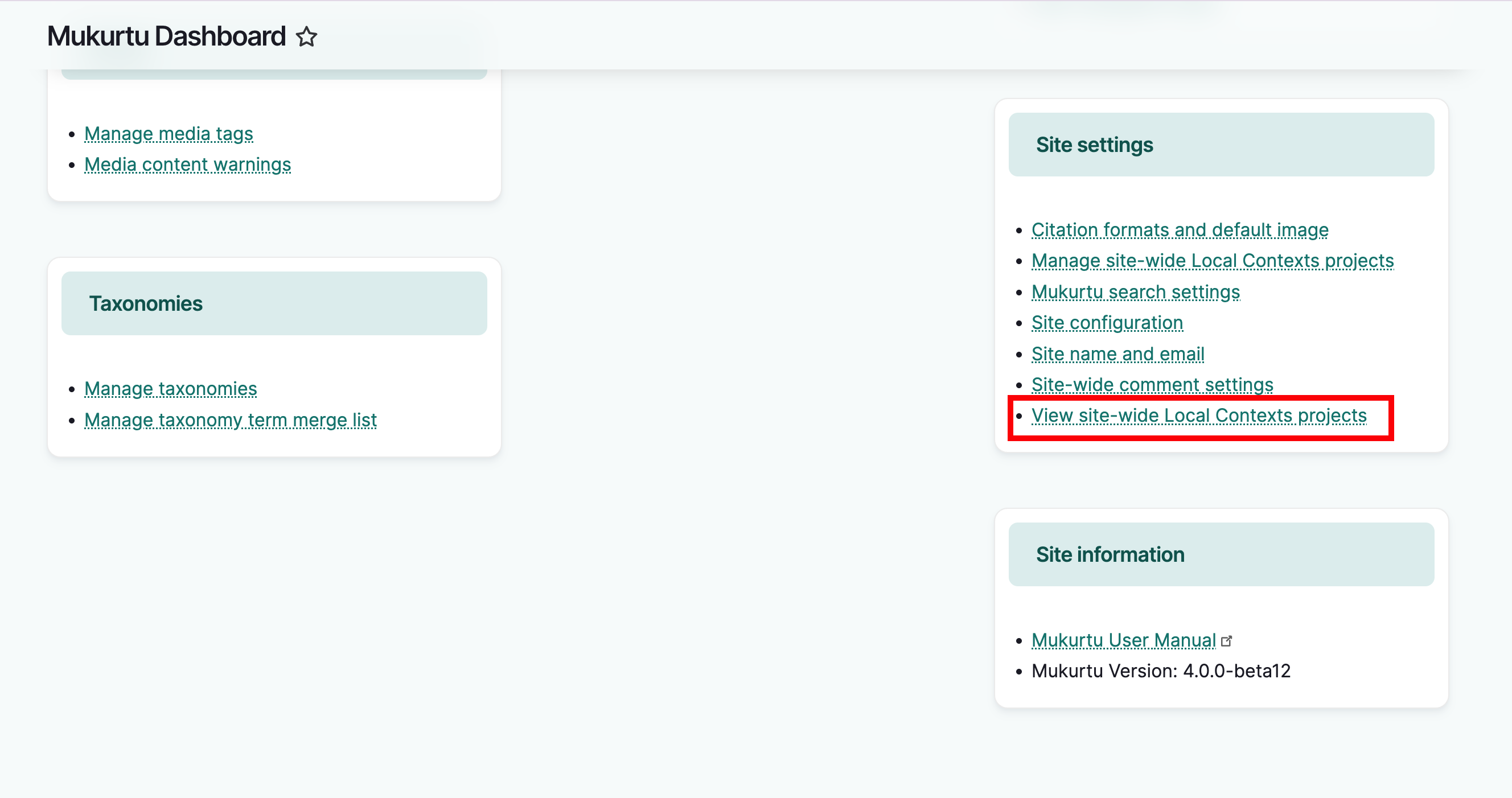
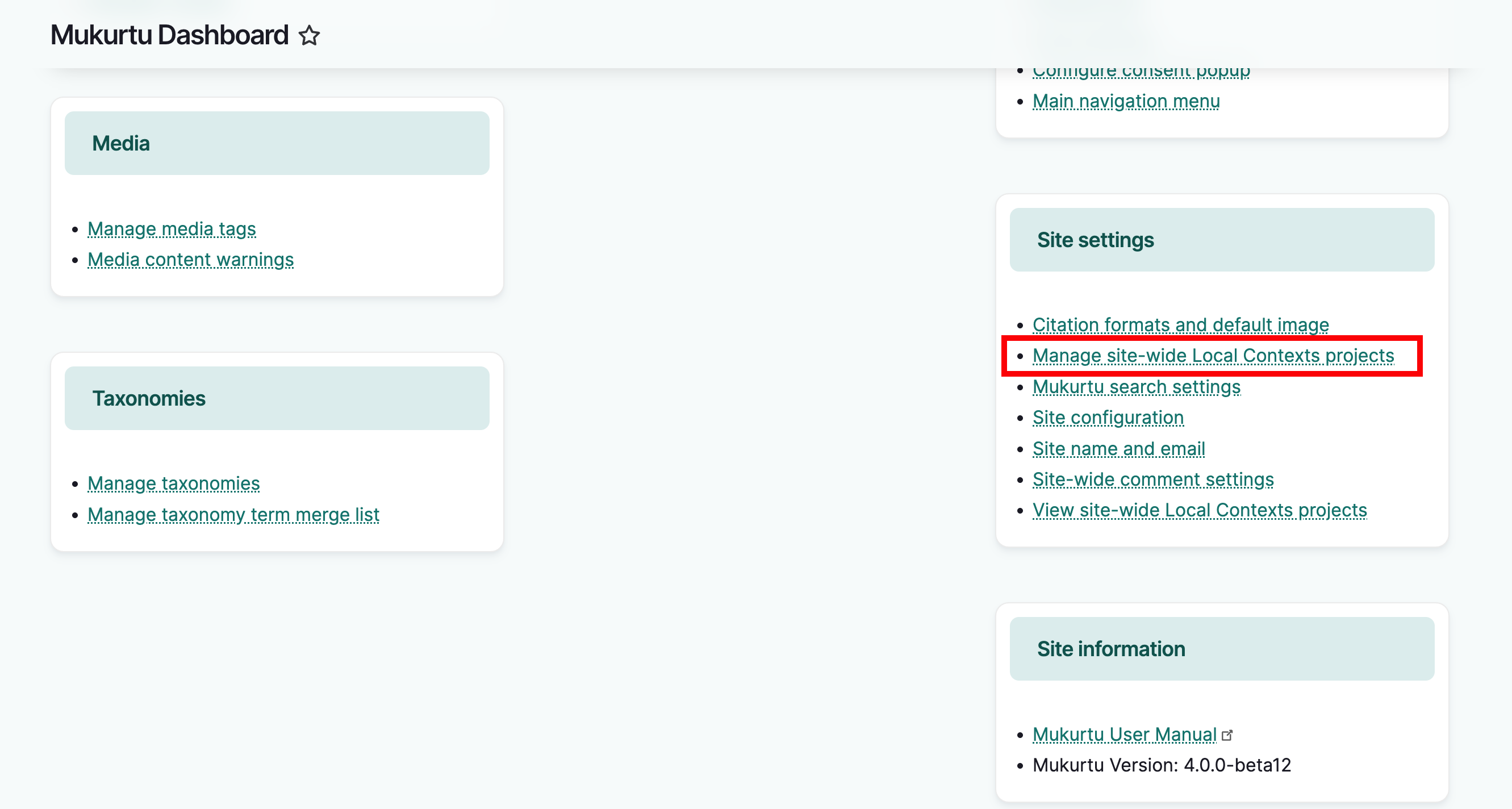
To view the site project directory, go to the dashboard. In the Site Settings section, select Local Contexts Projects.
Manage project directories
The information displayed in directories are managed in two locations: the Local Contexts Hub and the Mukurtu site.
The API will pull in project names, labels, and notices from the Local Contexts Hub. Your Mukurtu site provides you with a project directory description where you can include information about the project, how labels are being used, people or organizations working on the project, etc.
Community or Protocol directories
For communities and protocols, the project directory description field is located in the edit form for that group.
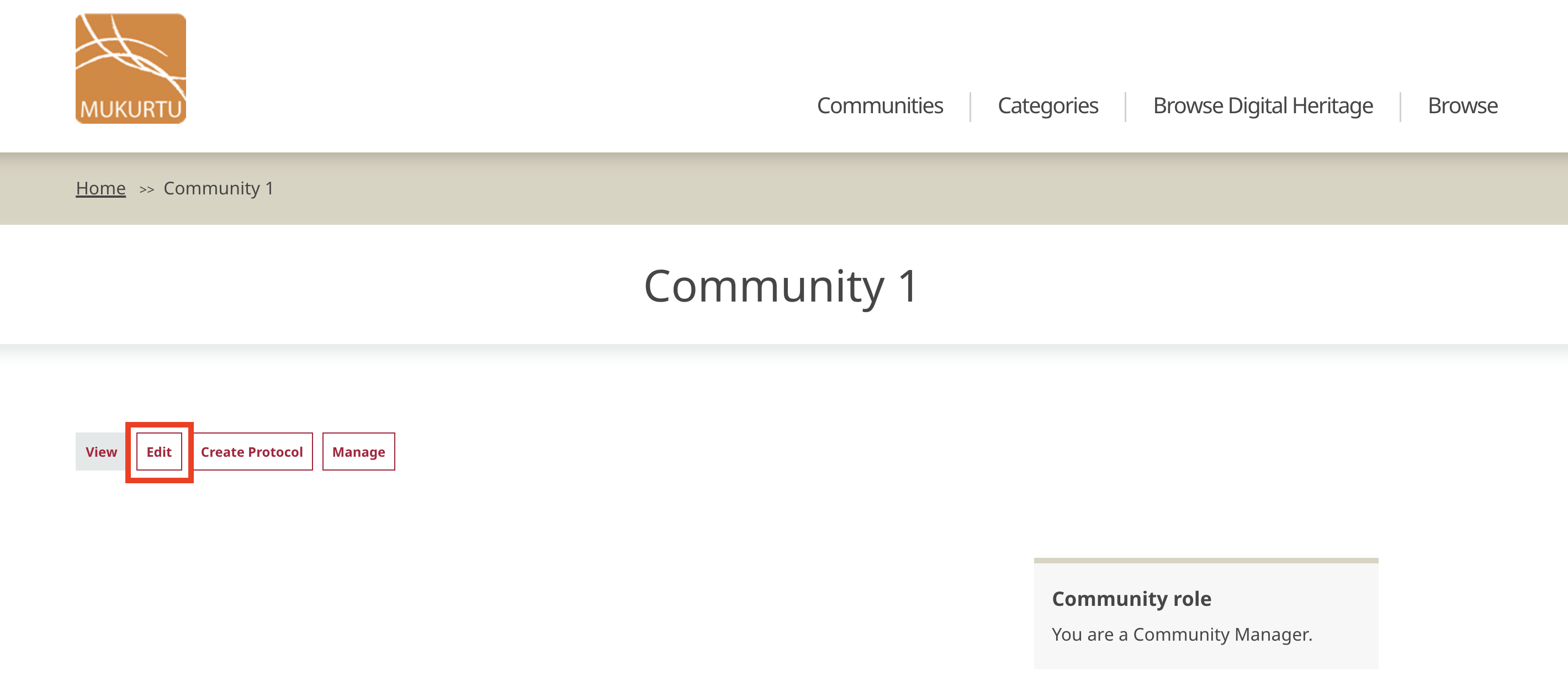
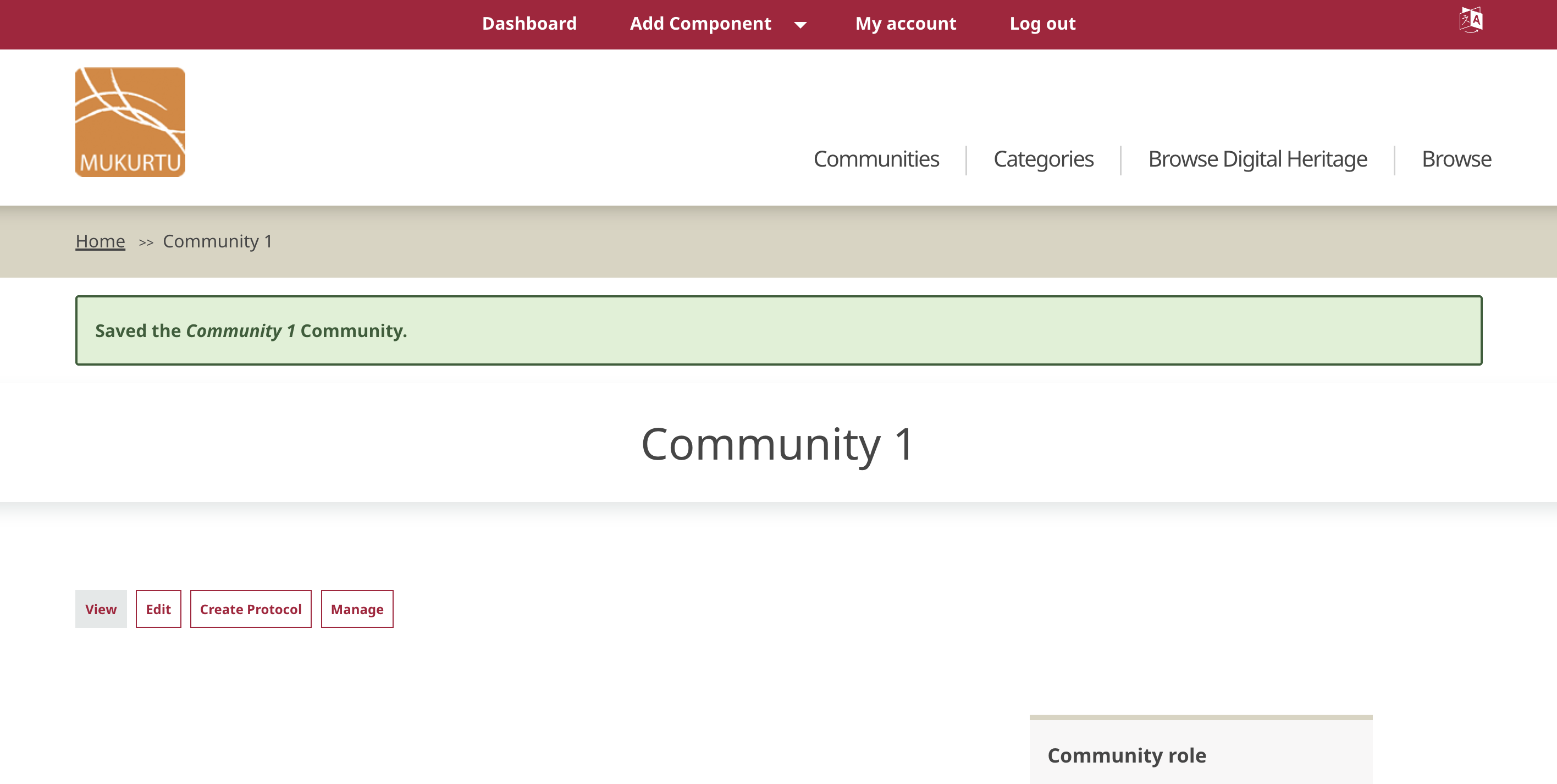
To access it, navigate to the community or protocol you wish to manage and select Edit.
Scroll down to the Local Contexts Description field and add or edit your project description.
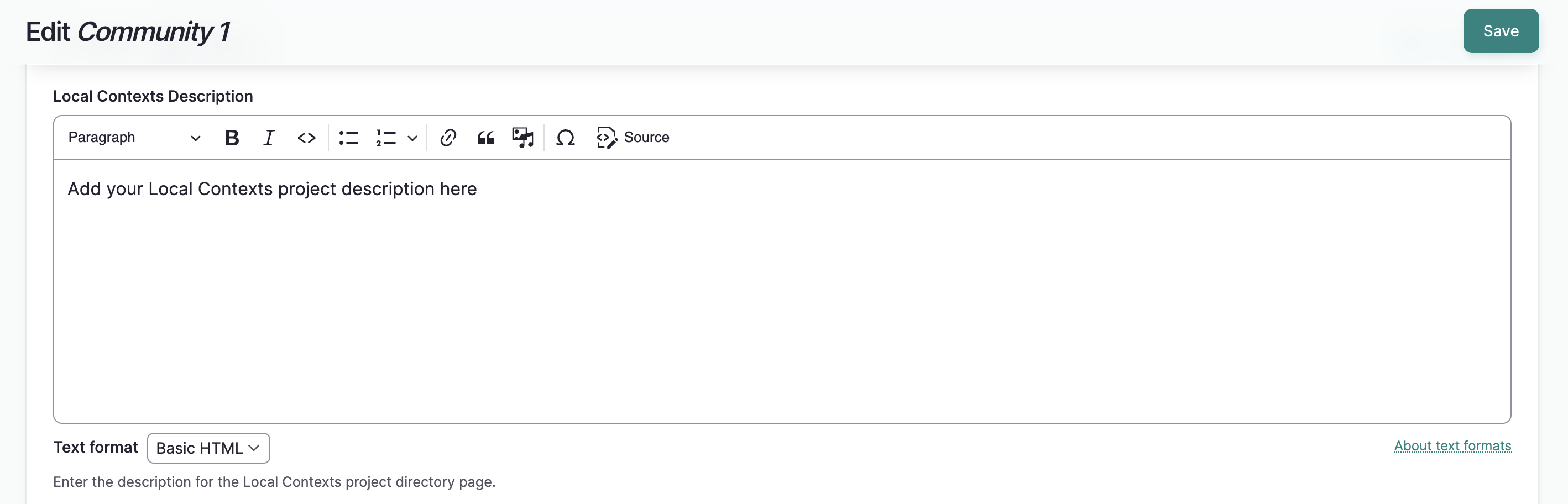
Select "Save". The community or protocol page will load with a success message.
The description will be visible on the group's project directory page.
Site-wide project directory
- To manage the site project directory, as a Mukurtu Manager, go to the dashboard. In the Site Settings section, select Manage Local Contexts Projects.
-
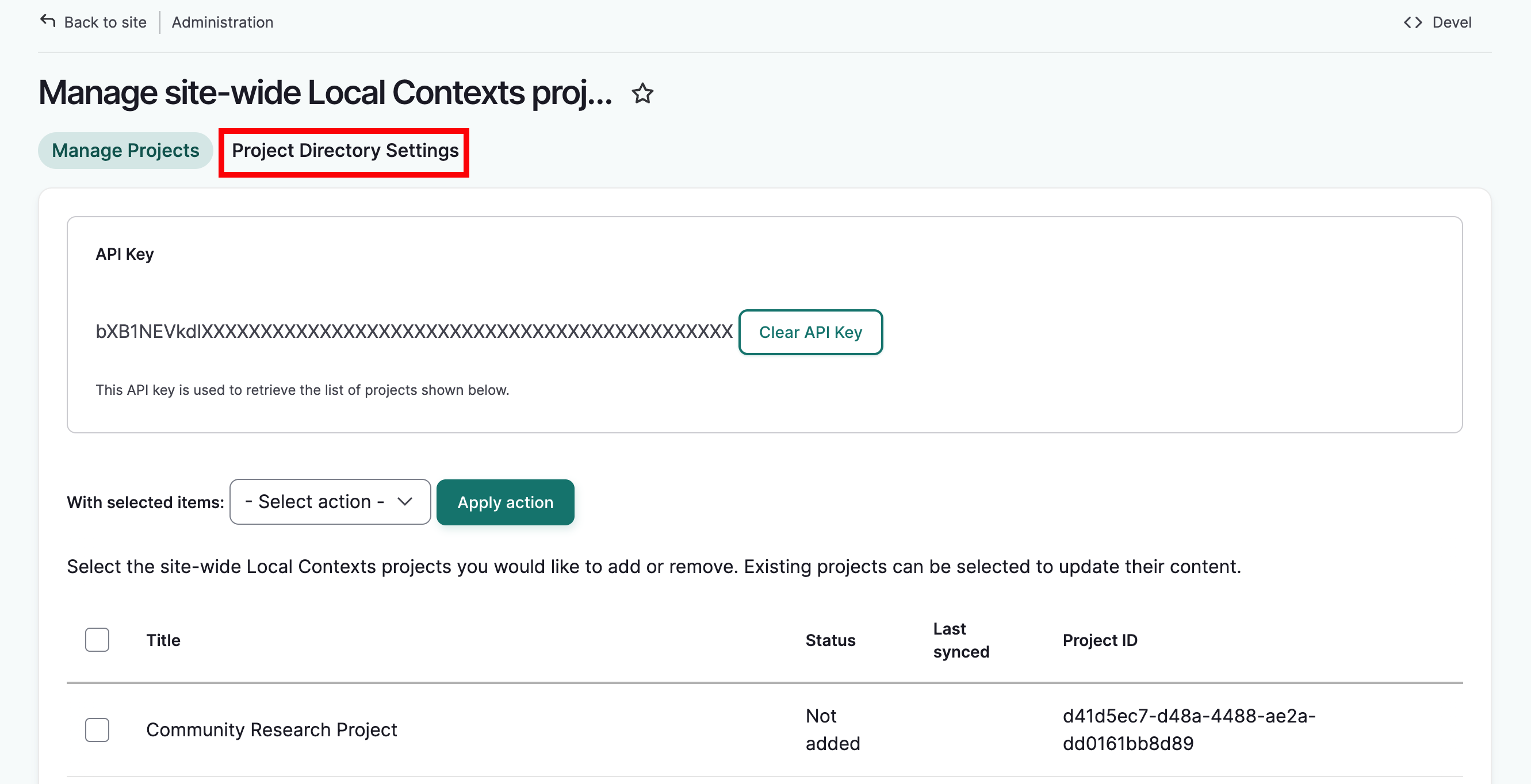
You should see your API key and list of Local Contexts projects associated with the API.
-
Select the Project Directory Settings tab.
-
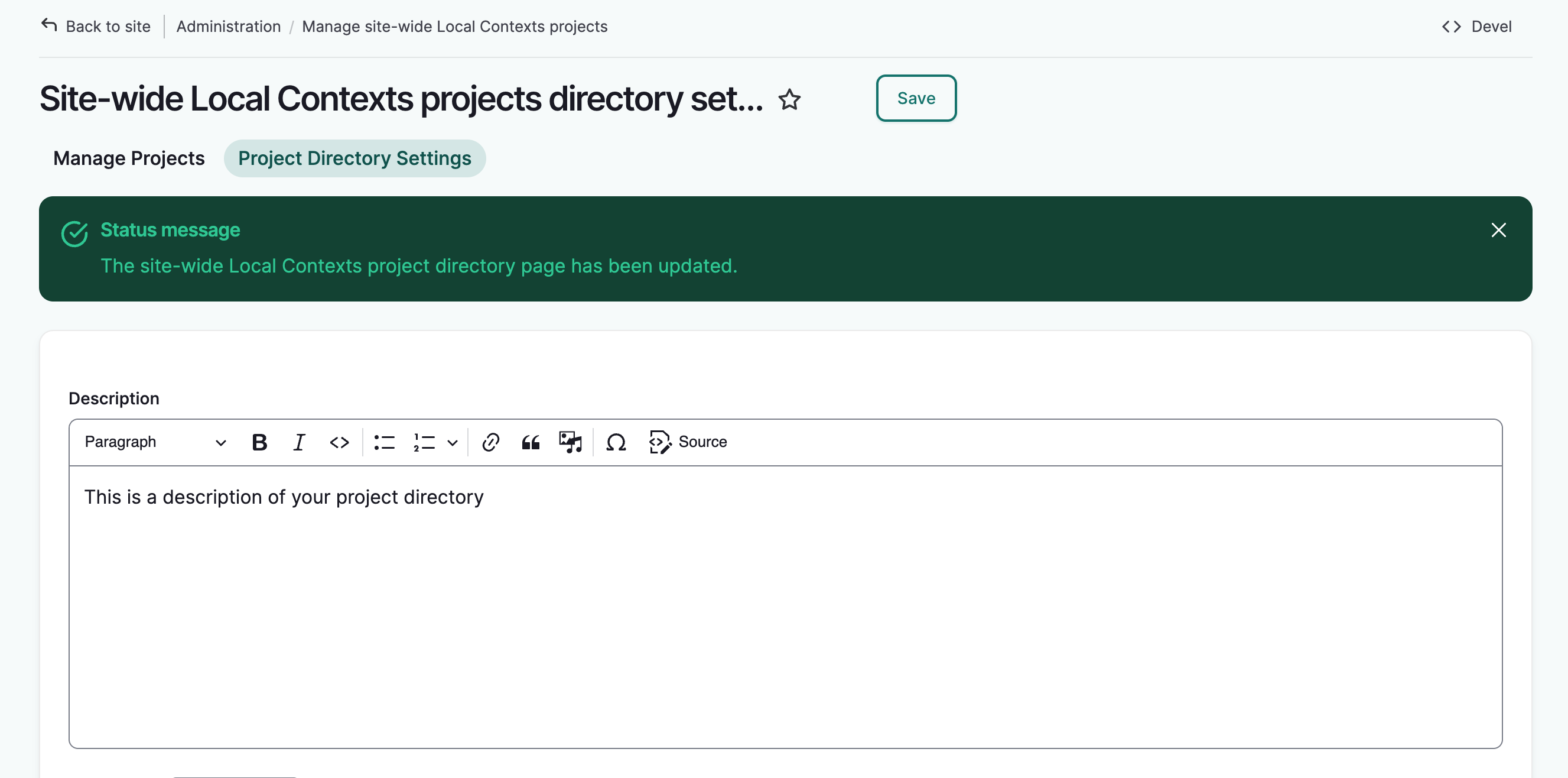
Add or edit your description and select "Save."
-
Updates to the description are visible on the directory page.