Exporting Content
User roles
TBD
Export "shopping cart"
- Users can mark any content for export while browsing the site. We've been calling this the "shopping cart" method of collecting content for export.
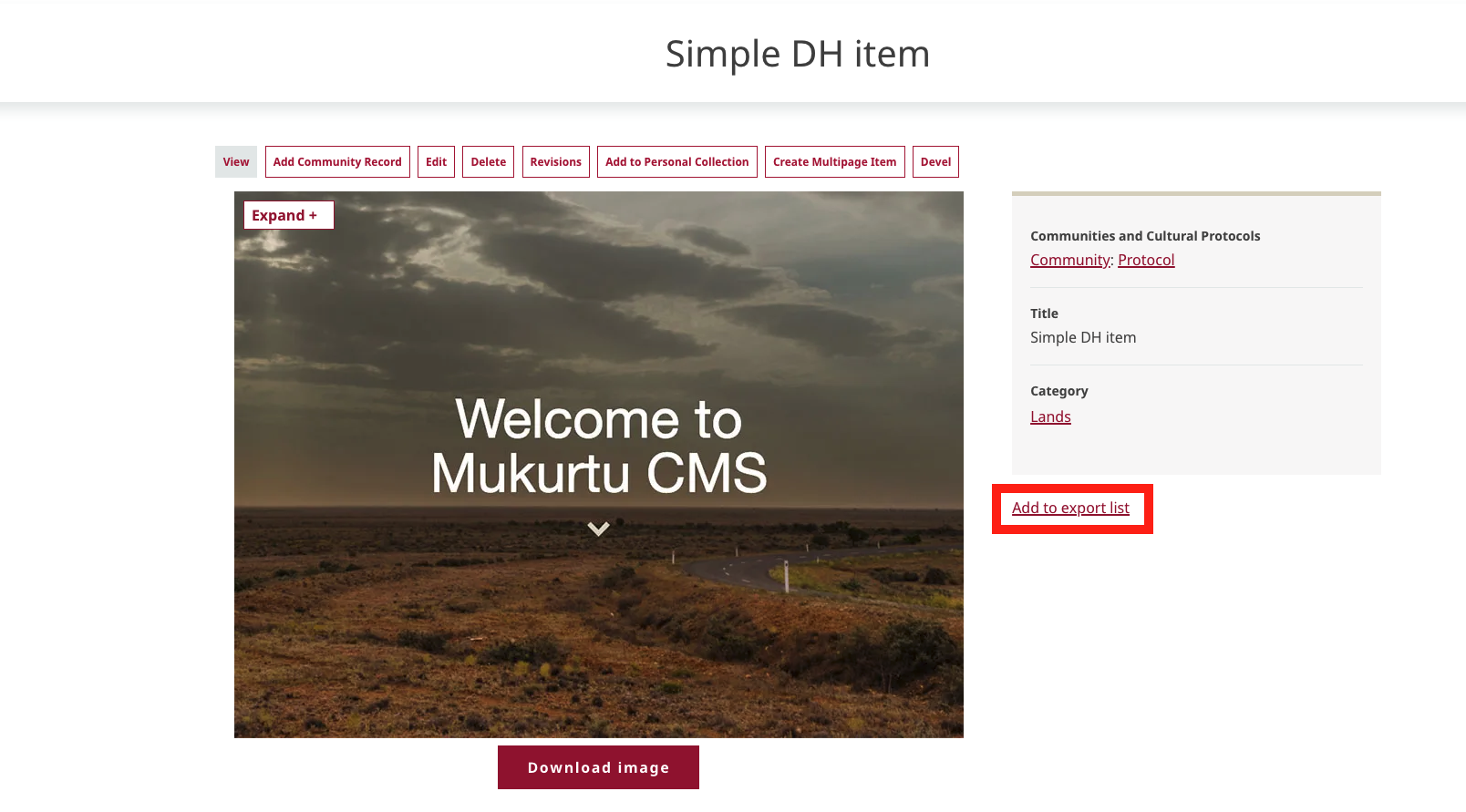
- There is a currently unstyled "add to/remove from export list" link at the bottom of the metadata sidebar on all (most?) content pages.
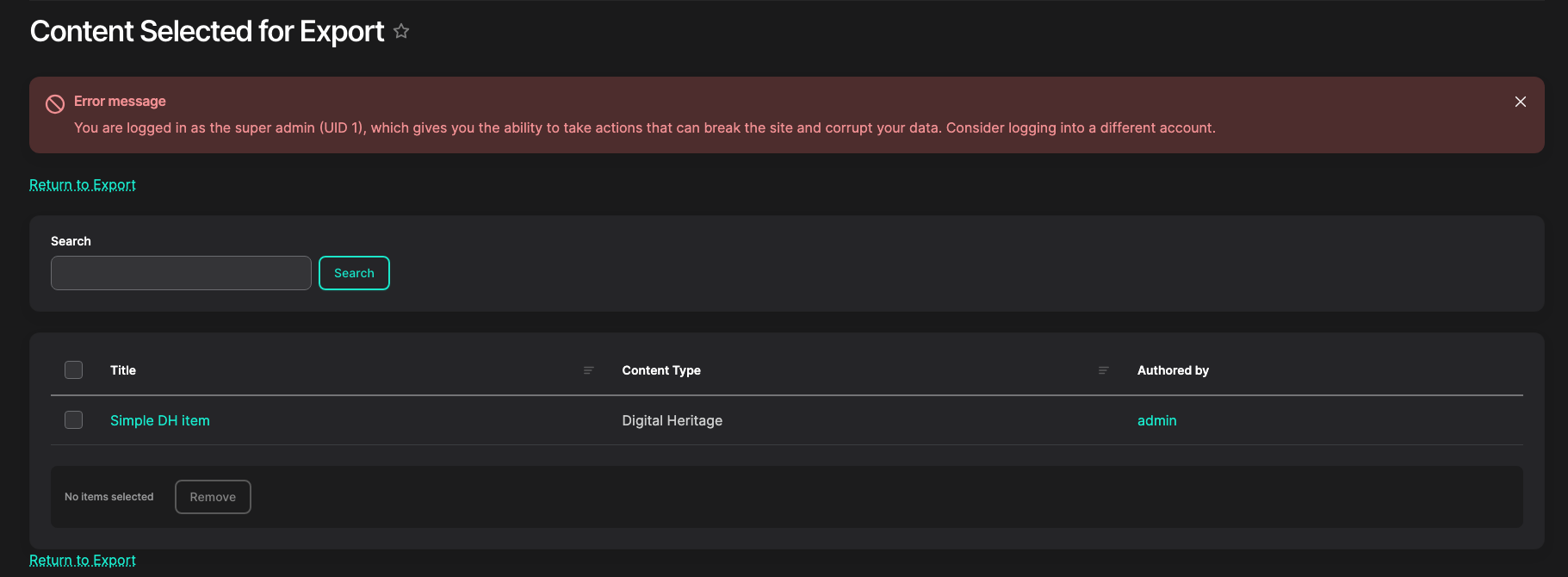
- The list of selected content is available at
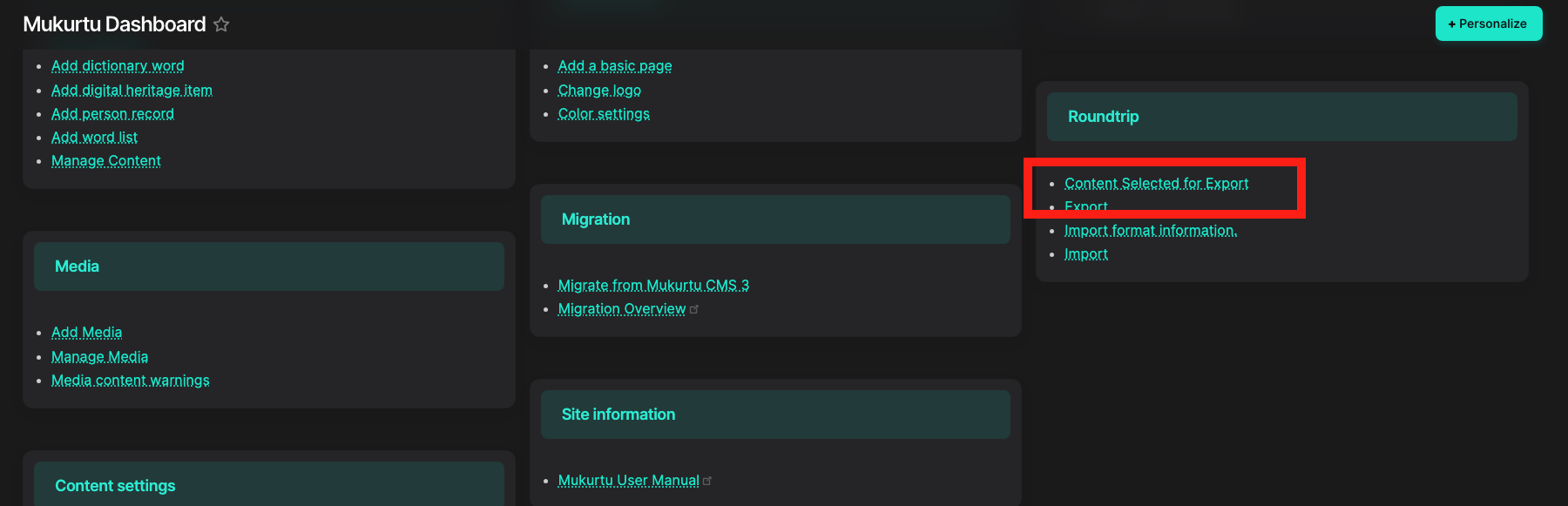
/admin//export/content(also linked on the dashboard).
- Ideally multiple carts or at least per-user carts could be supported.
Running an export
- The export tool is available at
/admin/export.
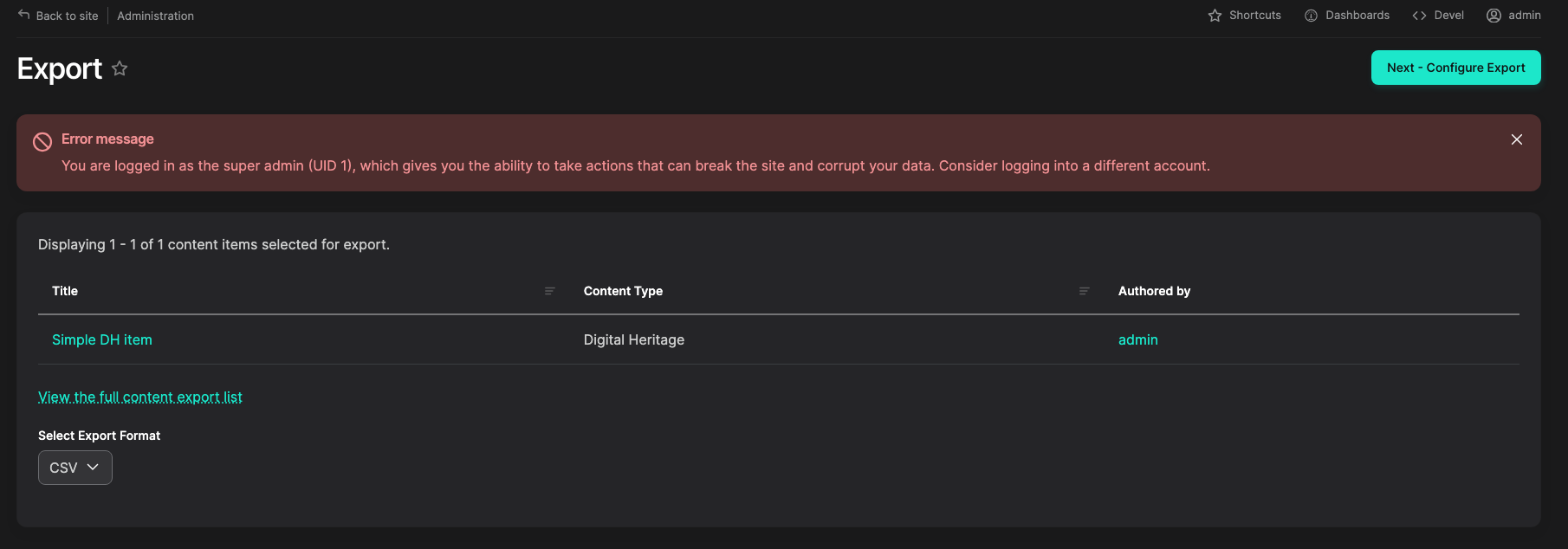
- Ideally there could be additional selection of available content here, but not currently.
- Only CSV export is targeted now, but we are interested in other formats in the future (XML, JSON, others).
- Select "Configure Export"
- More information on export settings in Export Settings. For now, just run "Start Export".
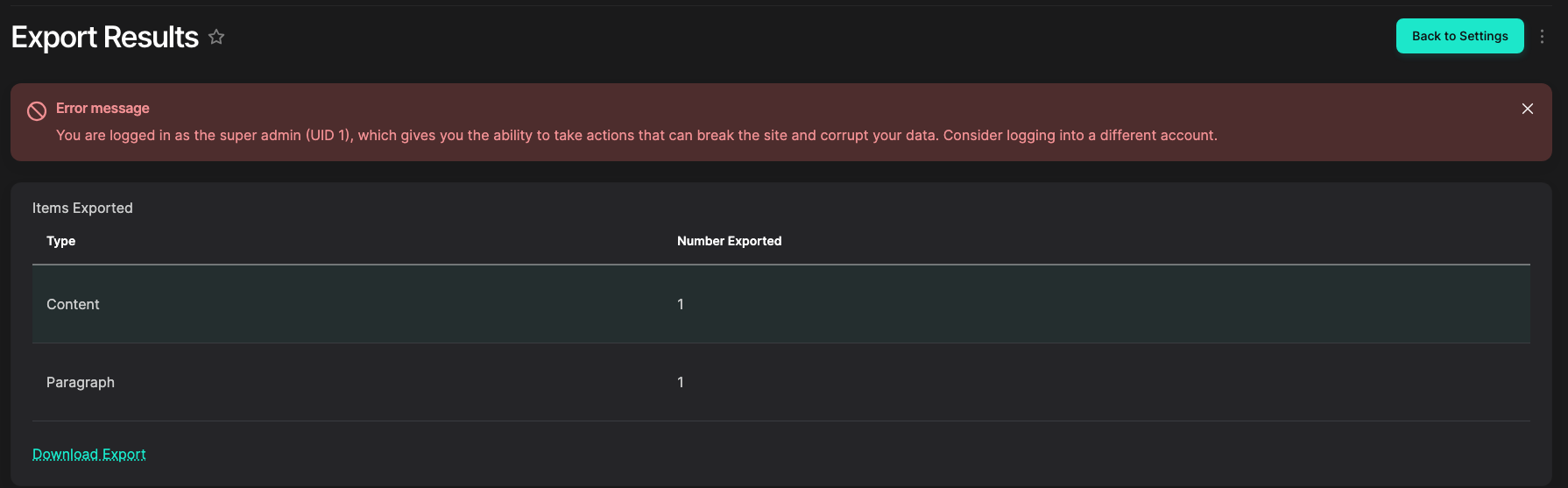
- If all goes well, a report and "Download Export" link should display.