Understanding Rich Text Fields
User roles
Drupal administrator, Mukurtu manager
Rich text fields are found in all content types (mostly in the description, cultural narrative, traditional knowledge, transcription, and text section fields), taxonomy term descriptions, basic pages, and elsewhere. Common examples include embedding a supplementary video in the cultural narrative field, or using text styling within a long transcription to make it easier to read.
The default format is basic HTML which allows a wide range of styles, formatting, and media embedding.
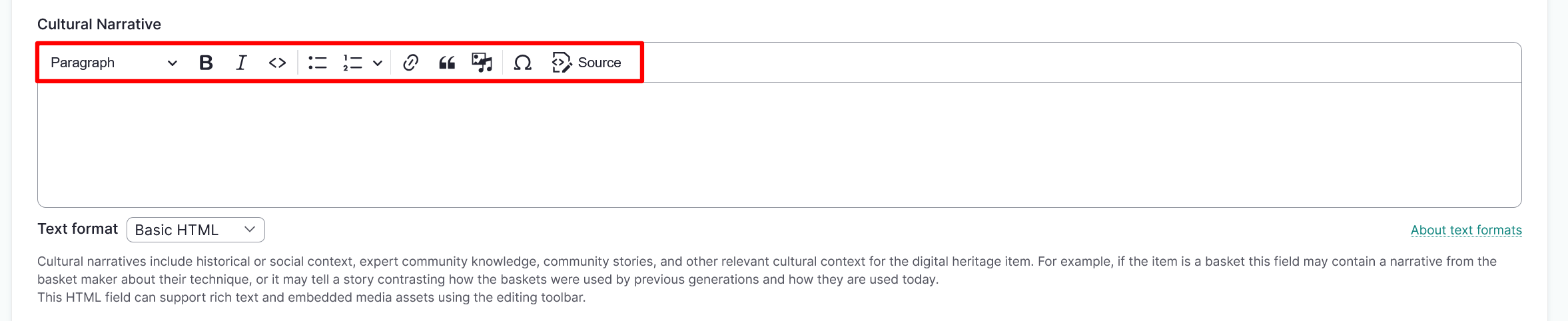
Drupal administrators and Mukurtu managers also have access to full HTML formatting, which can be enabled by selecting Full HTML from the Text format dropdown menu below the field. Full HTML exposes additional HTML tags which are not included in the basic HTML format for safety reasons (mostly limiting the access to embedded code).
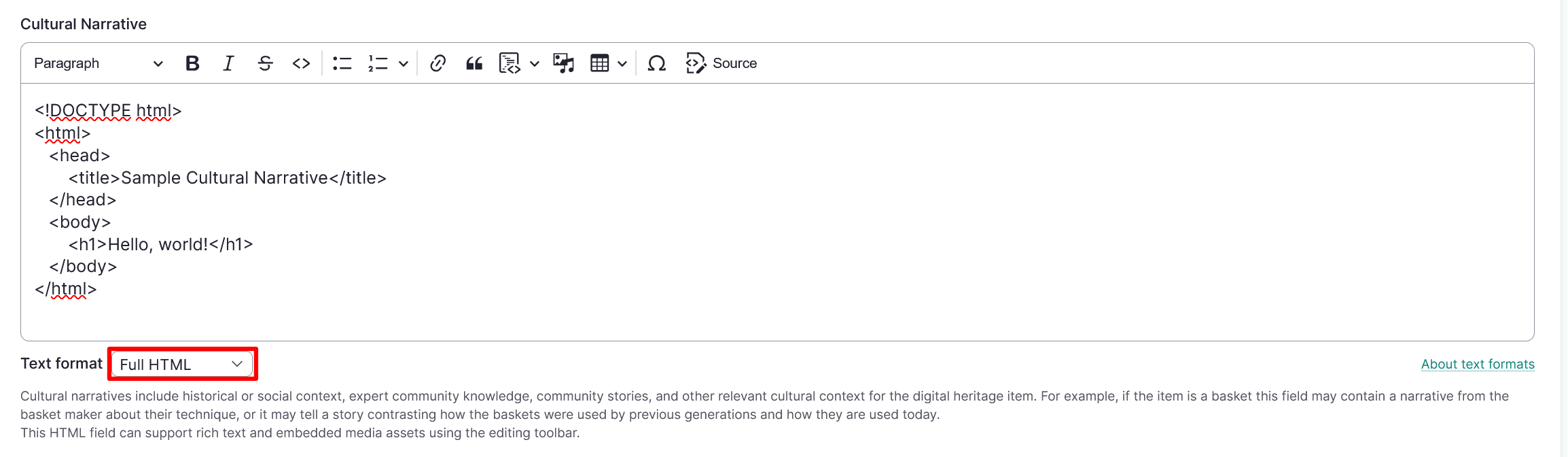
The full list of text formats, allowed tags, and examples can be found on your site at /filter/tips, or by selecting the About text formats link at the bottom right of a rich text field.
Mukurtu uses the CKEditor 5 module for rich text fields. While CKEditor can support additional tools, that would be considered custom development. See CKEditor 5 Documentation for more information.