Configure Basic Site Settings
User roles
Drupal administrator, Mukurtu manager
You can configure the look and feel of your Mukurtu site to reflect your organization or community. Refer to the sections below for instructions on how to change your site's name, email, and landing page.
These are all located on the Basic site settings page.
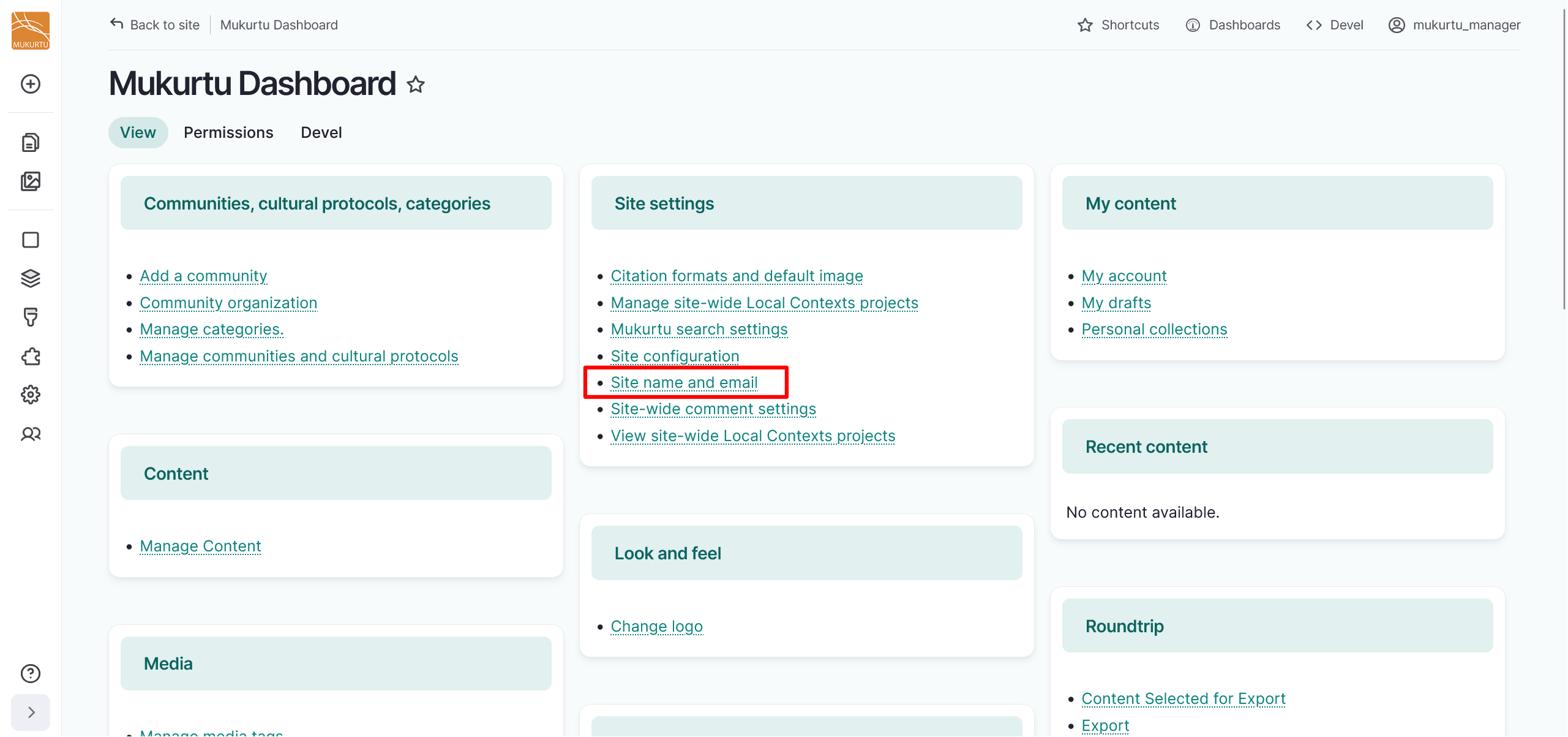
From the Dashboard, navigate to the Site settings section. Select the Site name and email link. You can also access these settings at /admin/config/system/site-information.
Configure site name and email
-
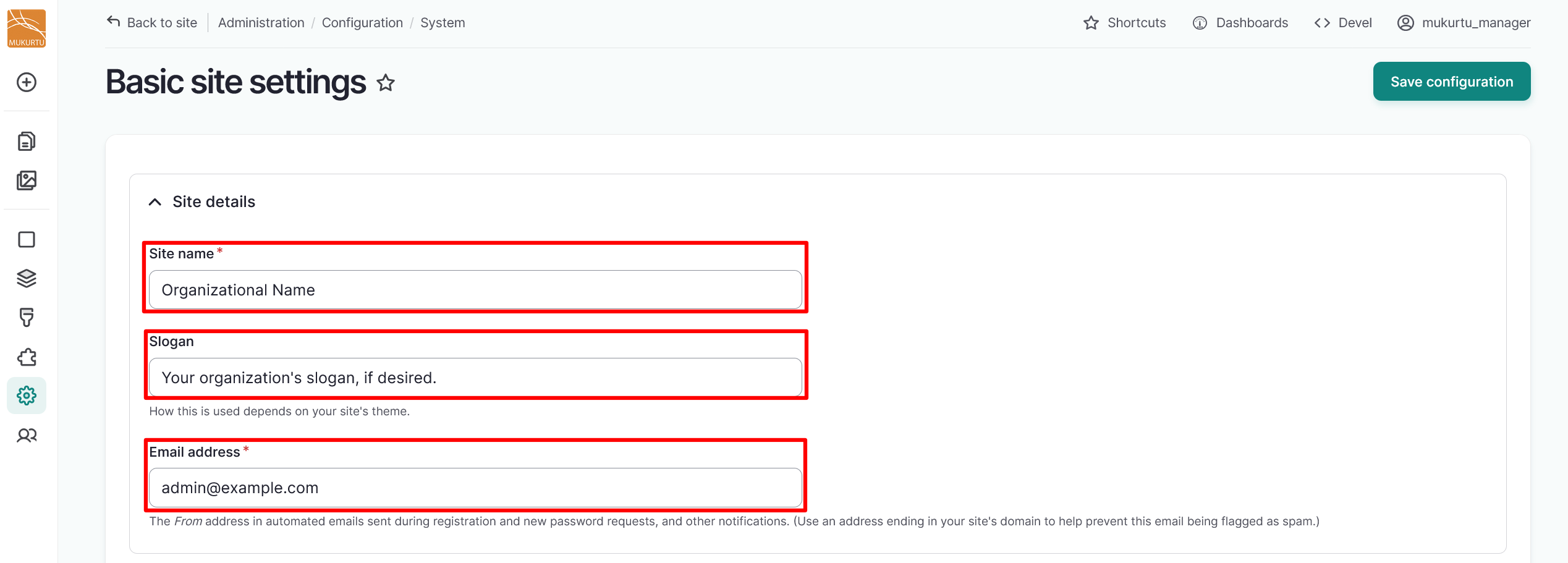
Enter the name of your site in the Site name field.
- This is a required field.
-
If you wish to include a slogan or short description, enter it in the Slogan field. The Mukurtu theme does not use a slogan. Use this field only if you are using a theme or other tool that does.
-
Enter the email address for your site in the Email address field. This becomes the From address in automated emails sent during registration and new password requests, as well as other notifications.
- This is a required field.
-
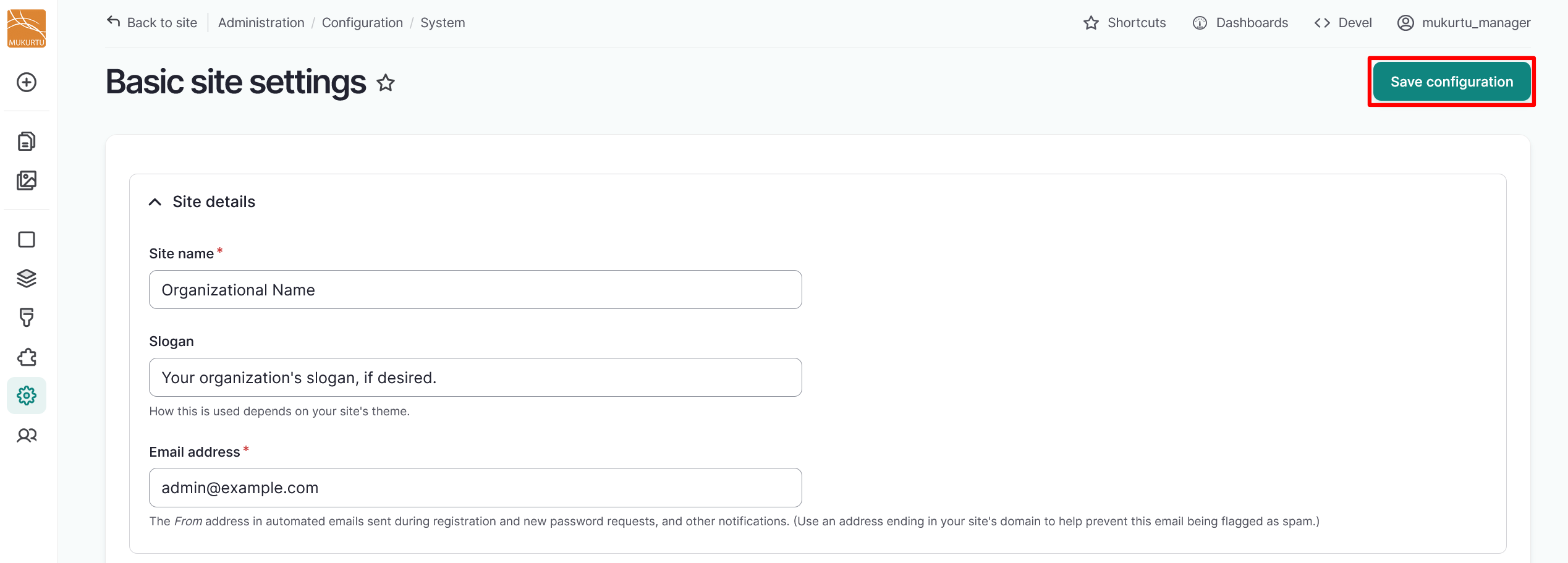
Select the "Save configuration" button to save your site name and email address.