Translate Taxonomies
User role
Mukurtu manager
Translate taxonomy terms by selecting Manage Taxonomies from the Dashboard or navigating directly to /admin/structure/taxonomy.
Tip
Taxonomy terms cannot be translated when translating content. Attempting to translate them from content will simply add additional terms to the taxonomy.
-
Select a taxonomy.
-
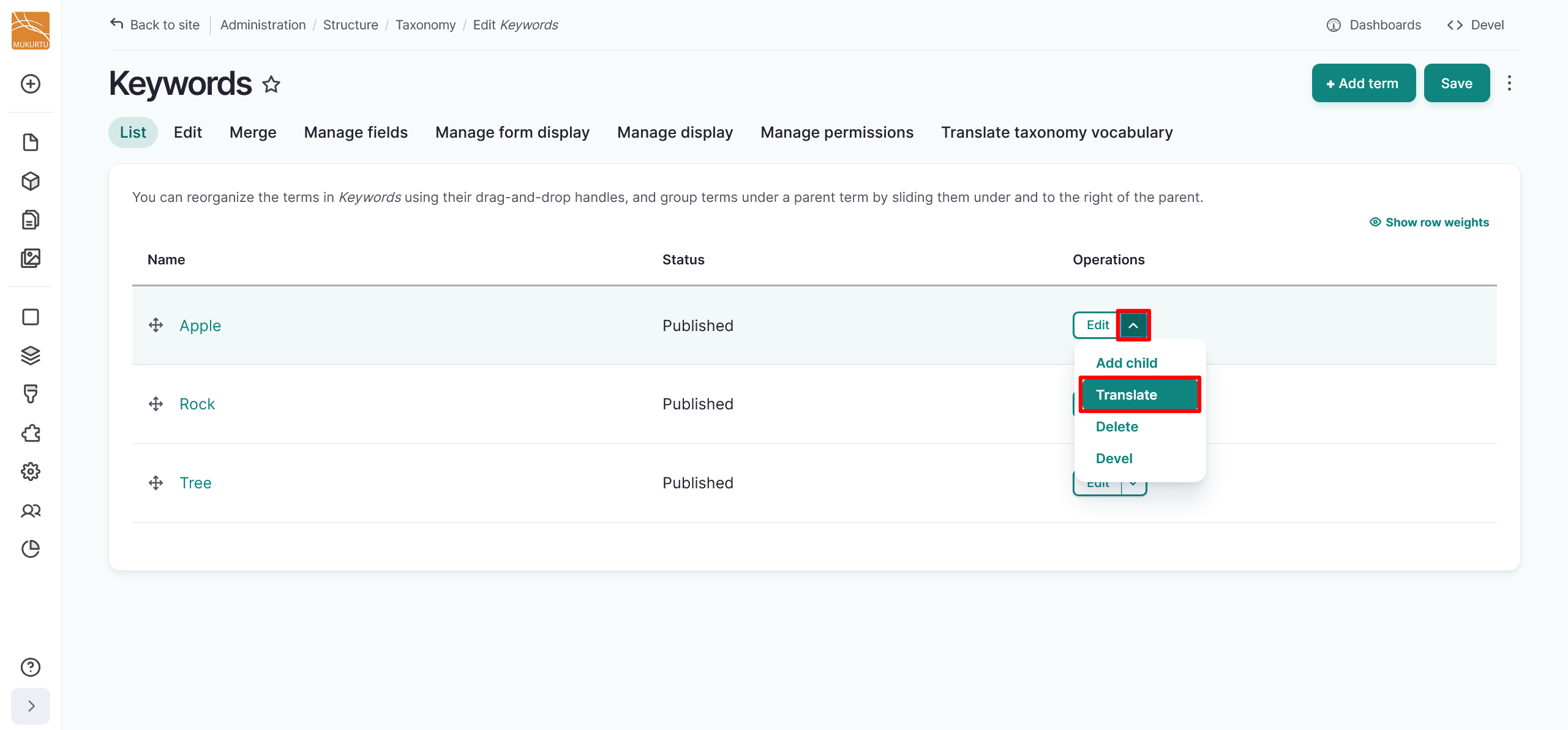
Navigate to a taxonomy term. From the dropdown menu to the right of the taxonomy term, select Translate.
-
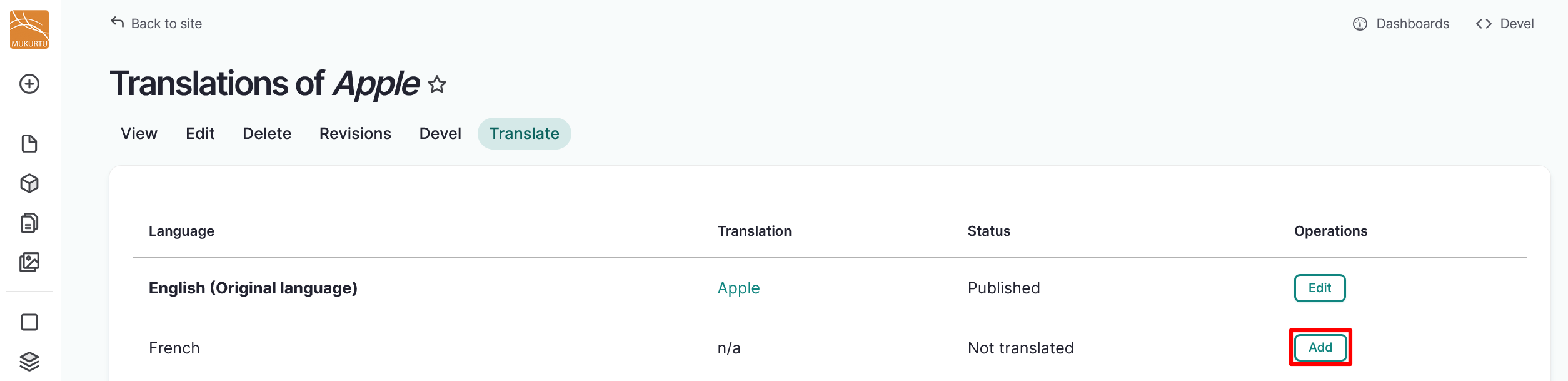
Select "Add" to the right of the language you want to translate the term into.
-
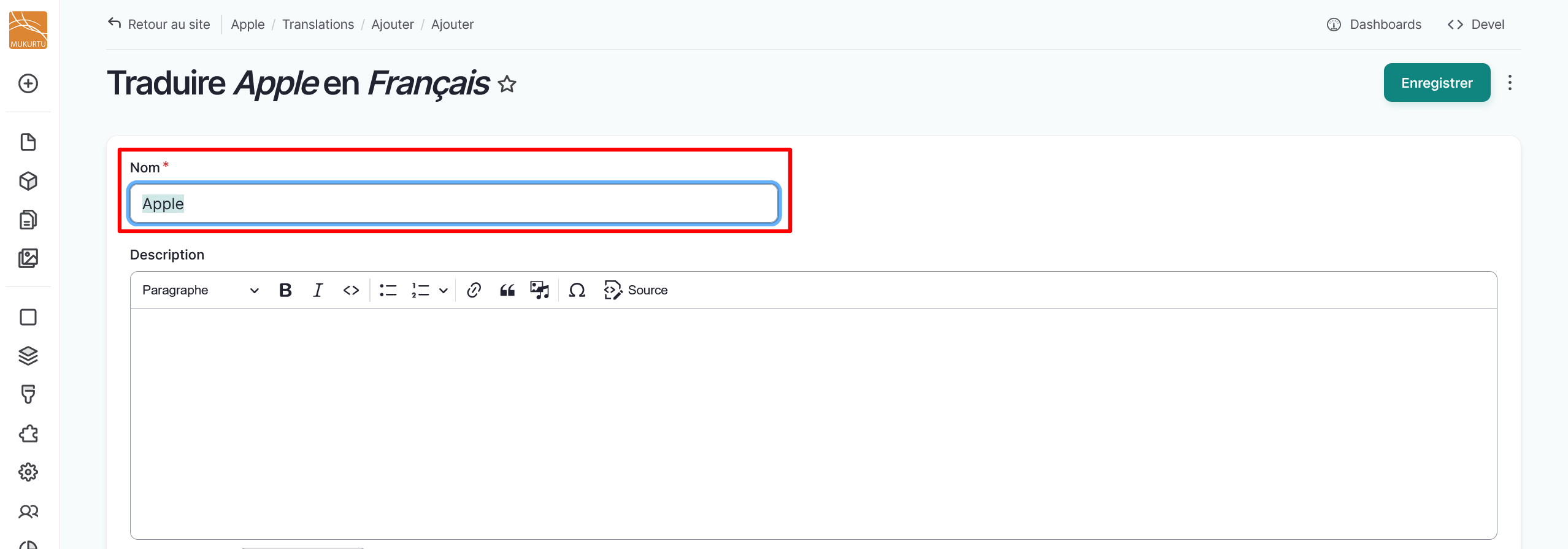
Select the text in the Name field and replace it with your new translation.
-
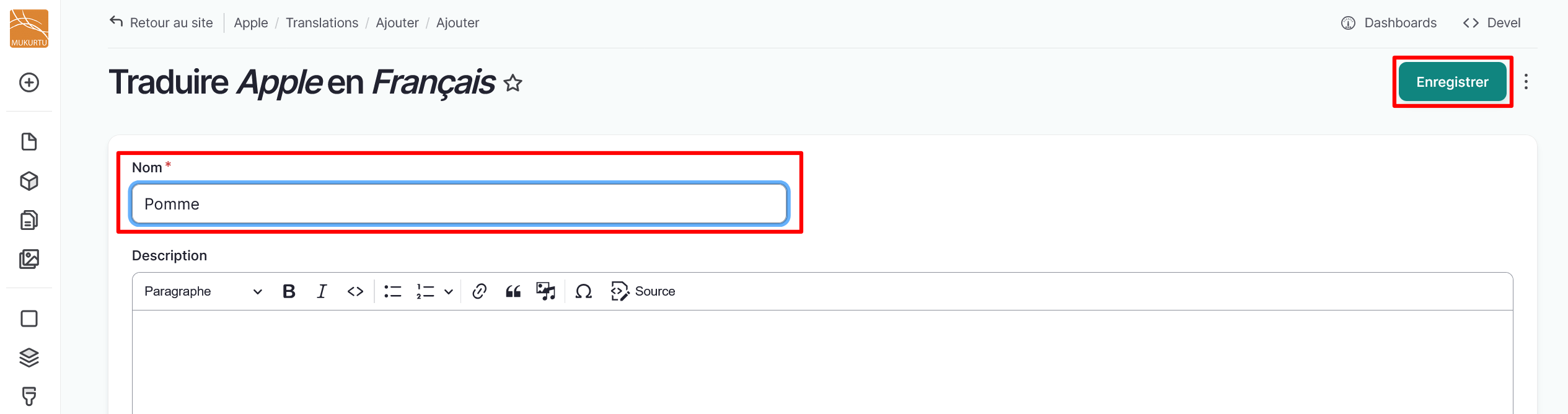
Select "Save" to save your translation.
-
Repeat these steps to translate your taxonomy terms into additional languages.