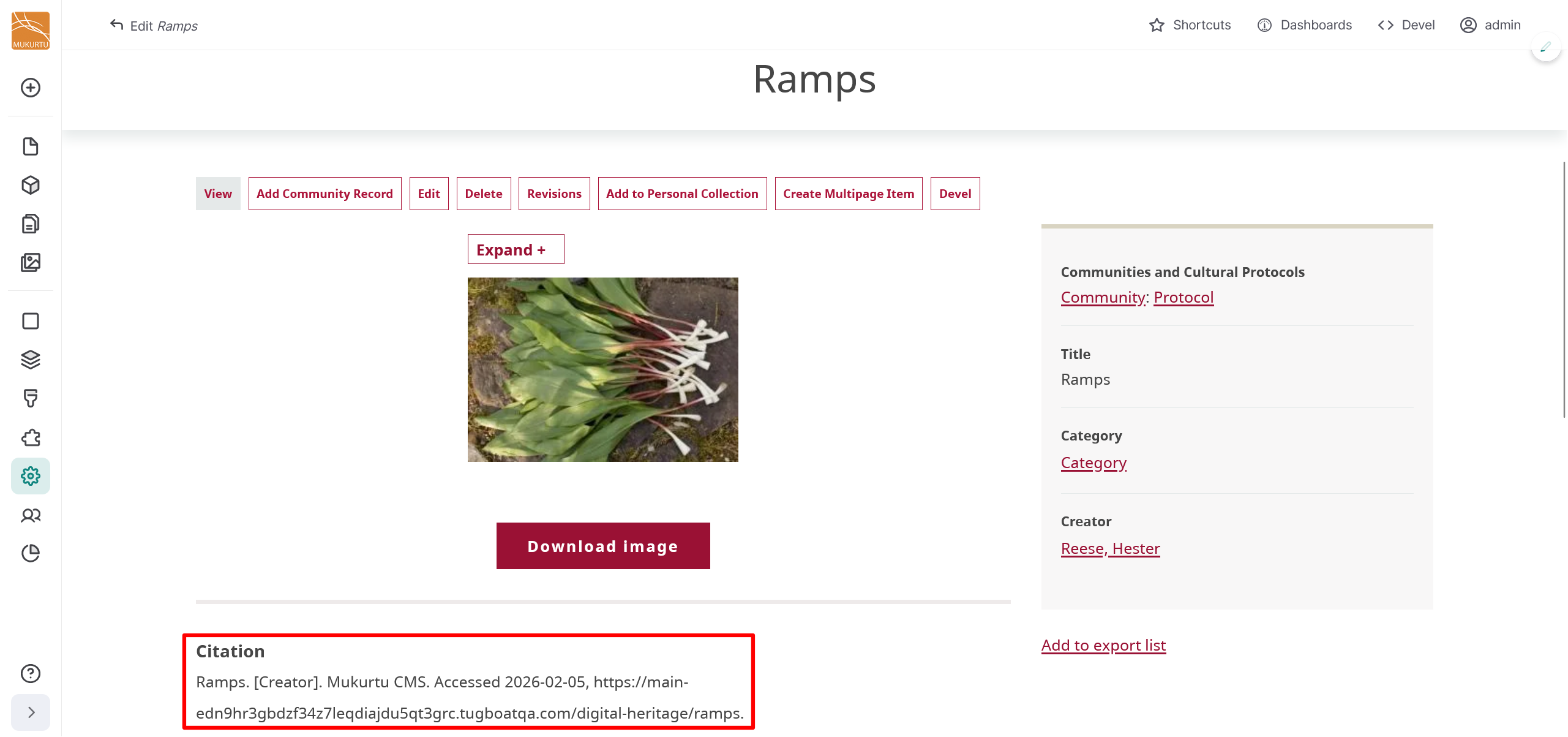
Configure Citation Field Templates
User roles
Drupal administrator, Mukurtu manager
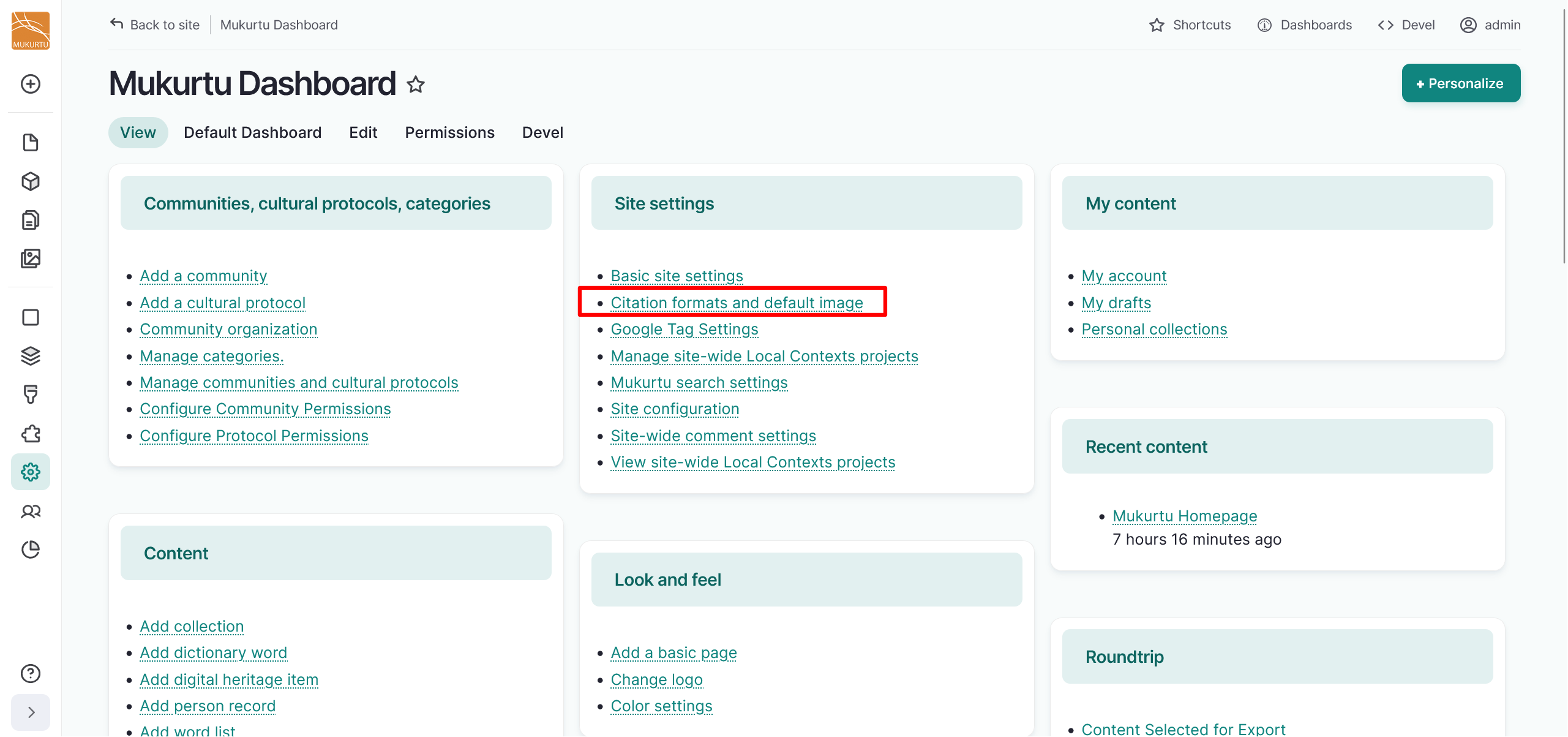
You can include recommended citation templates for your content in Mukurtu CMS to appear on content pages. To start configuring your citation templates, navigate to the Site settings section of the Dashboard and select the Citation formats and default image link, or go directly to /admin/config/mukurtu/settings.
Sample citation formats
Included below are some common citation formats that you can use for your content. You can also create your own citation format or modify these so that they are appropriate for the content on your site. The citation formats that we are basing these examples on are:
- APA: APA Formatting and Style Guide (7th Edition) from Purdue OWL
- Chicago: The Chicago Manual of Style Online
- MLA: MLA General Formatting and Style Guide from Purdue OWL
Collection
- APA:
[Community], [Cultural Protocol]. [Collection name]. [Website name]. [URL]. - Chicago:
[Collection name]. [Source]. [Website name]. [URL]. - MLA:
[Collection name]. [Source]. [Website name]. [URL].
Dictionary words
- APA:
[Contributor's Lastname, Firstname]. [Original date]. [Word]. In [Website name] [Language] Dictionary. [Website or organization name]. [URL]. - Chicago:
[Website name] [Language] Dictionary, s.v. "[Word]", [URL]. - MLA:
[Word]. [Contributor's Lastname, Firstname]. [Website name] [Language] Dictionary, [URL].
Digital Heritage items
- APA:
[Creator's Lastname, Firstname]. [Title]. [Original date]. [Website name], [URL]. - Chicago:
[Creator's Lastname, Firstname]. [Title]. [Contributor(s)]. [Publisher]. [Original date]. [Format, running time (for audio or video files; only use if applicable)]. [URL]. - MLA:
[Creator's Lastname, Firstname]. [Title]. [Publisher], [Original date], [URL].
Person records
- APA:
[Name]. [Biography section Title]. [Website name]. [URL]. - Chicago:
[Community, Cultural Protocol]. [Name]. "[Biography section Title]". [Website name]. [URL]. - MLA:
Name. Biography section Title. Website name. URL.
Word lists
- APA:
[Community], [Cultural Protocol]. [Word list name], [Language]. [Website name]. [URL]. - Chicago:
[Word list name], [Language]. [Source]. [Website name]. [URL]. - MLA:
[Word list name], [Language]. [Source]. [Website name]. [URL].
Configuring templates with tokens
Mukurtu CMS allows you to configure the citation field templates for all content types using tokens. Tokens act as in-text placeholders with contextual values that allow the content to auto-generate a specific citation.
Tip
Tokens are only available for Drupal fields.
-
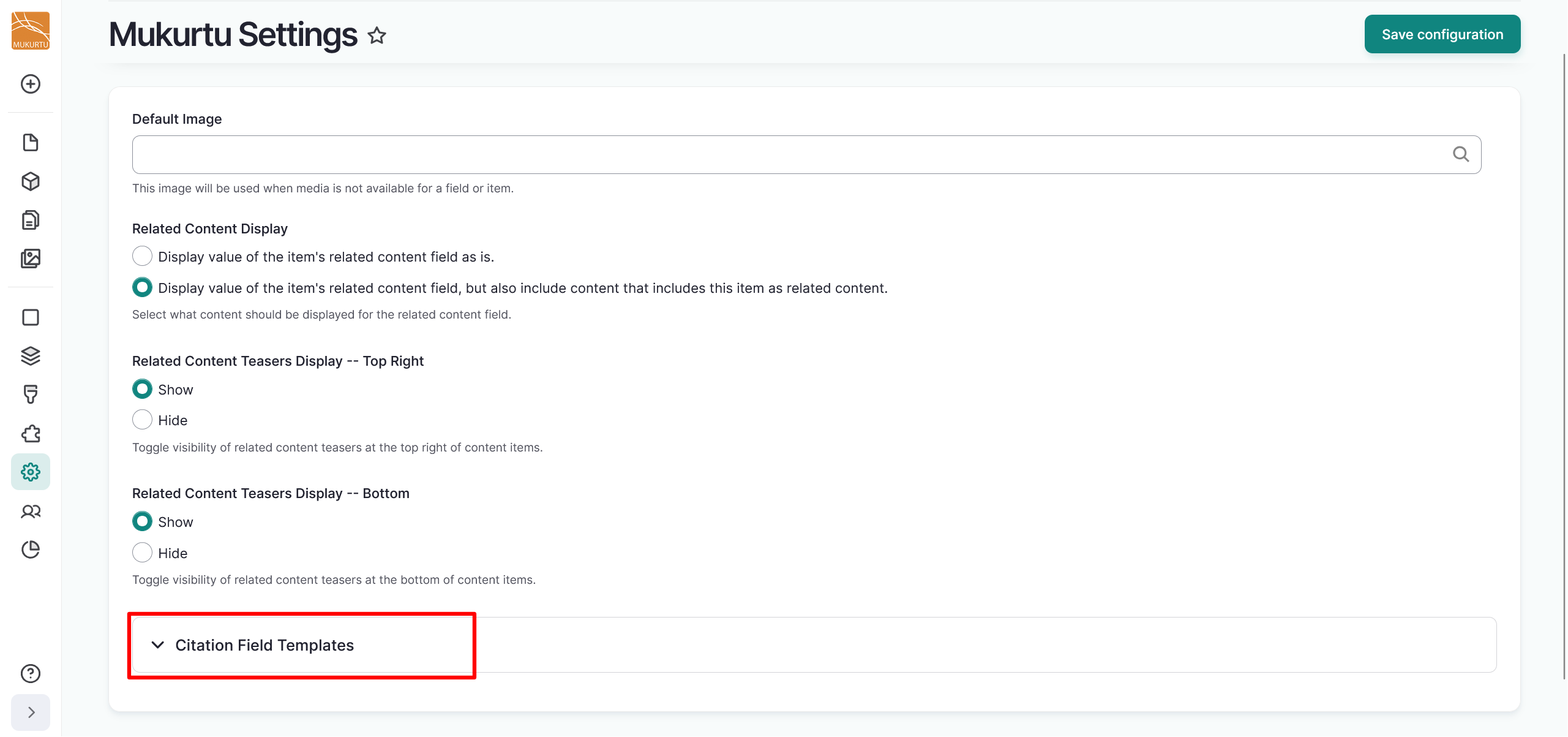
Navigate to the Citation Field Templates section of the page and select the dropdown to open the section.
-
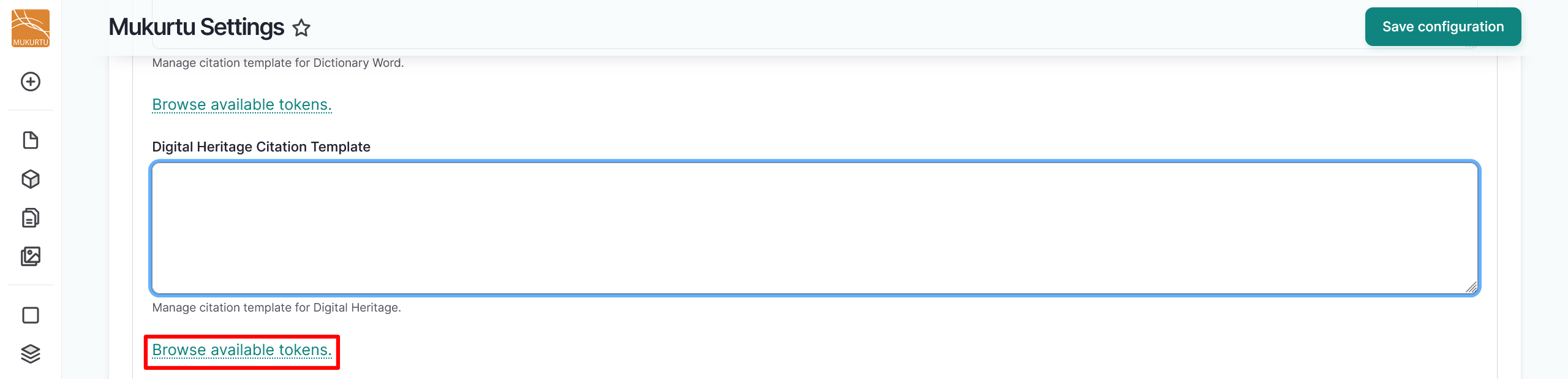
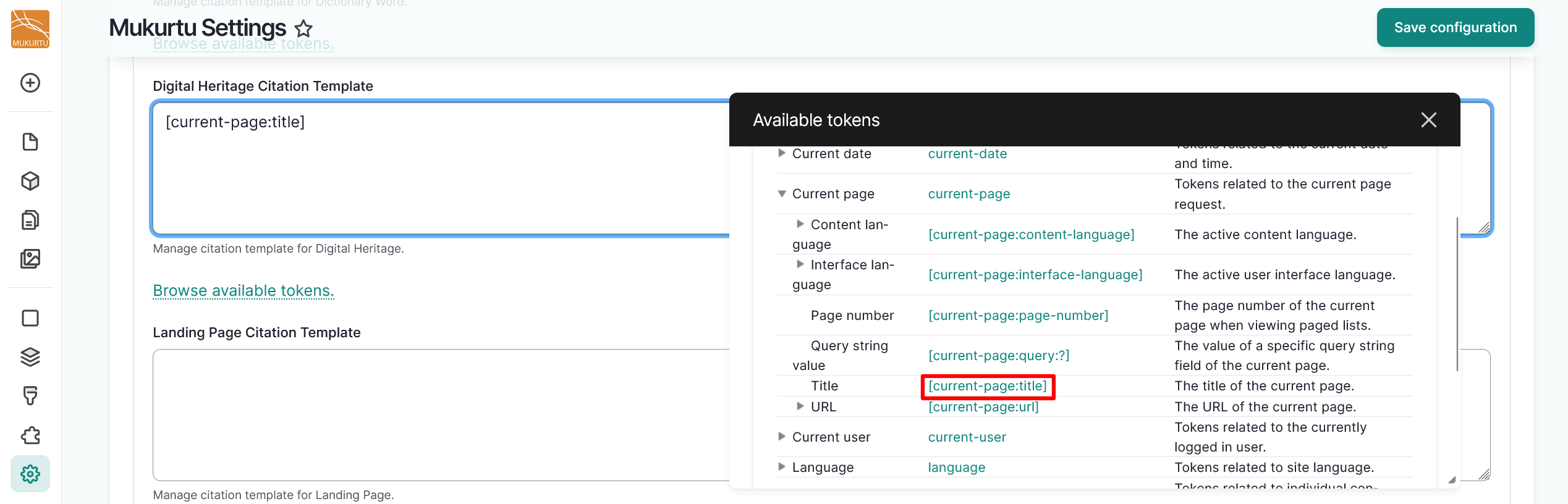
Under any citation template field, select the Browse available tokens to browse pre-set tokens.
Warning
When adding tokens to your site, use the
current-siteorcurrent-datetokens. Use of thenodetokens has the ability to break your site. -
Select the pre-set tokens you wish to include in your citation. These can include tokens referencing title, date, URL, or other fields.
-
Select the "Save Configuration" button to save your citation template.

-
When users browse your site's digital heritage items, the Citation field will populate with the citation template, including the auto-generated metadata from the tokens.