Reset Your Password
User roles
Authenticated user
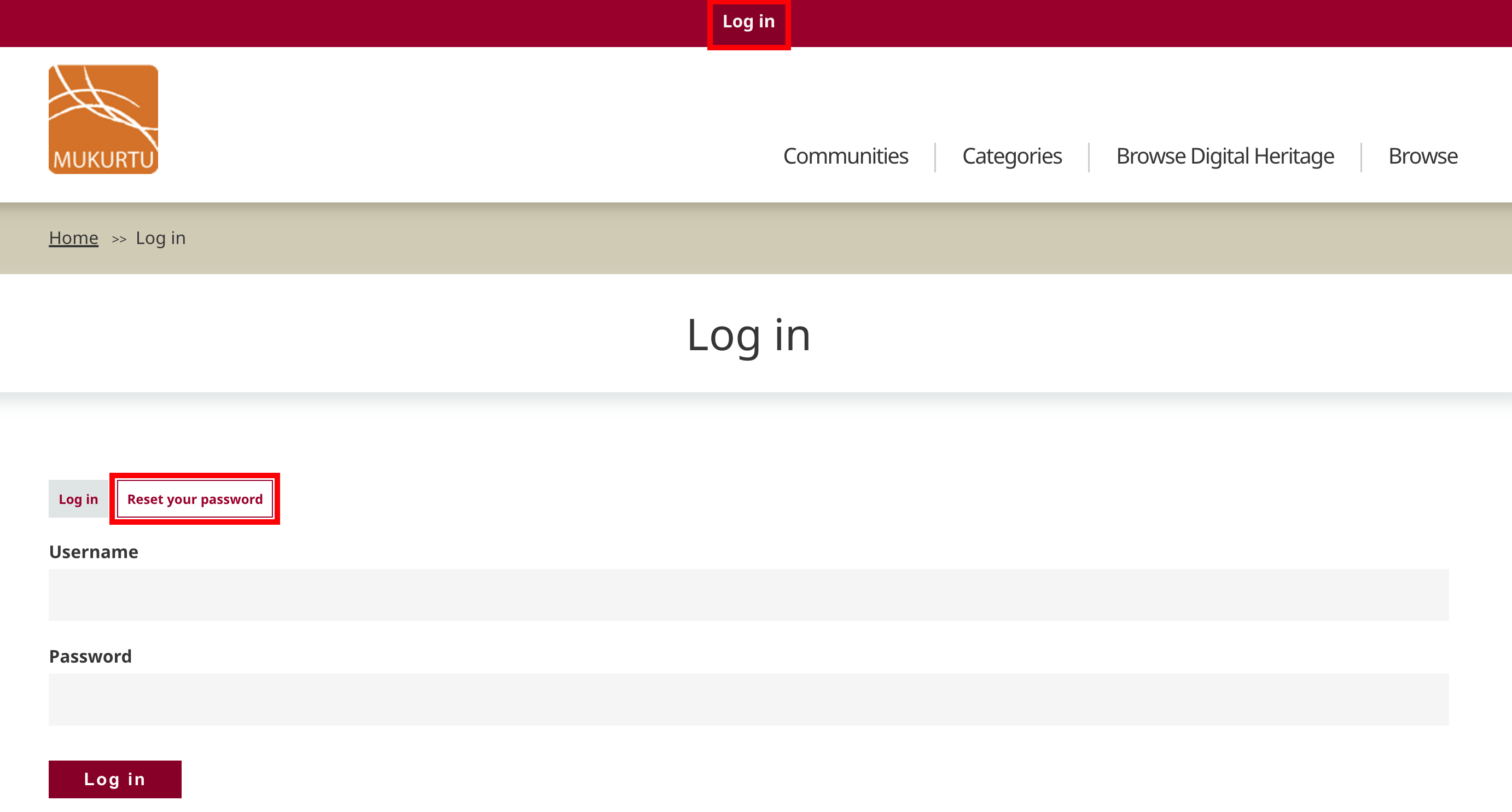
- On the log in page, Select "Reset your password".
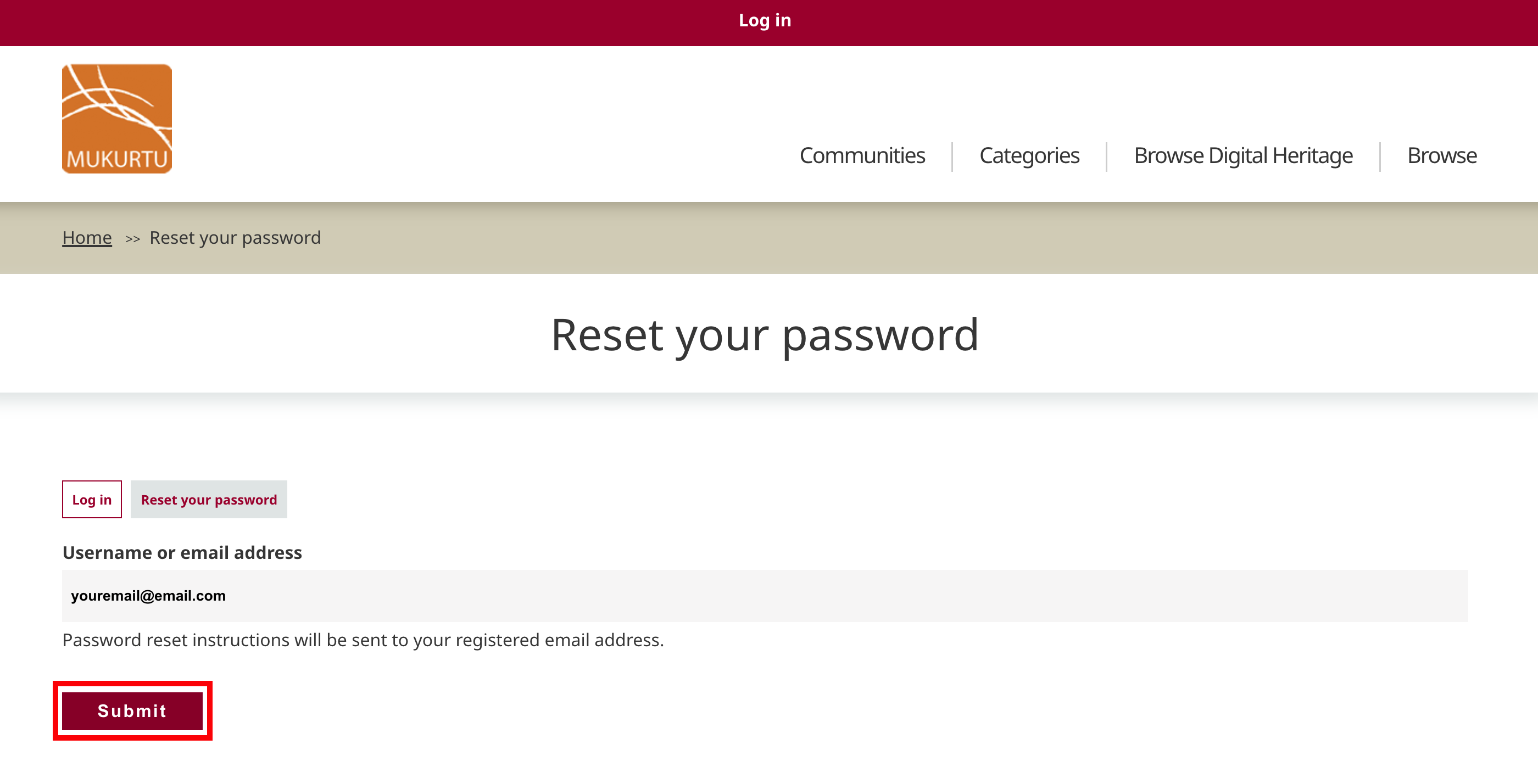
- Enter your username or email address and select "submit".
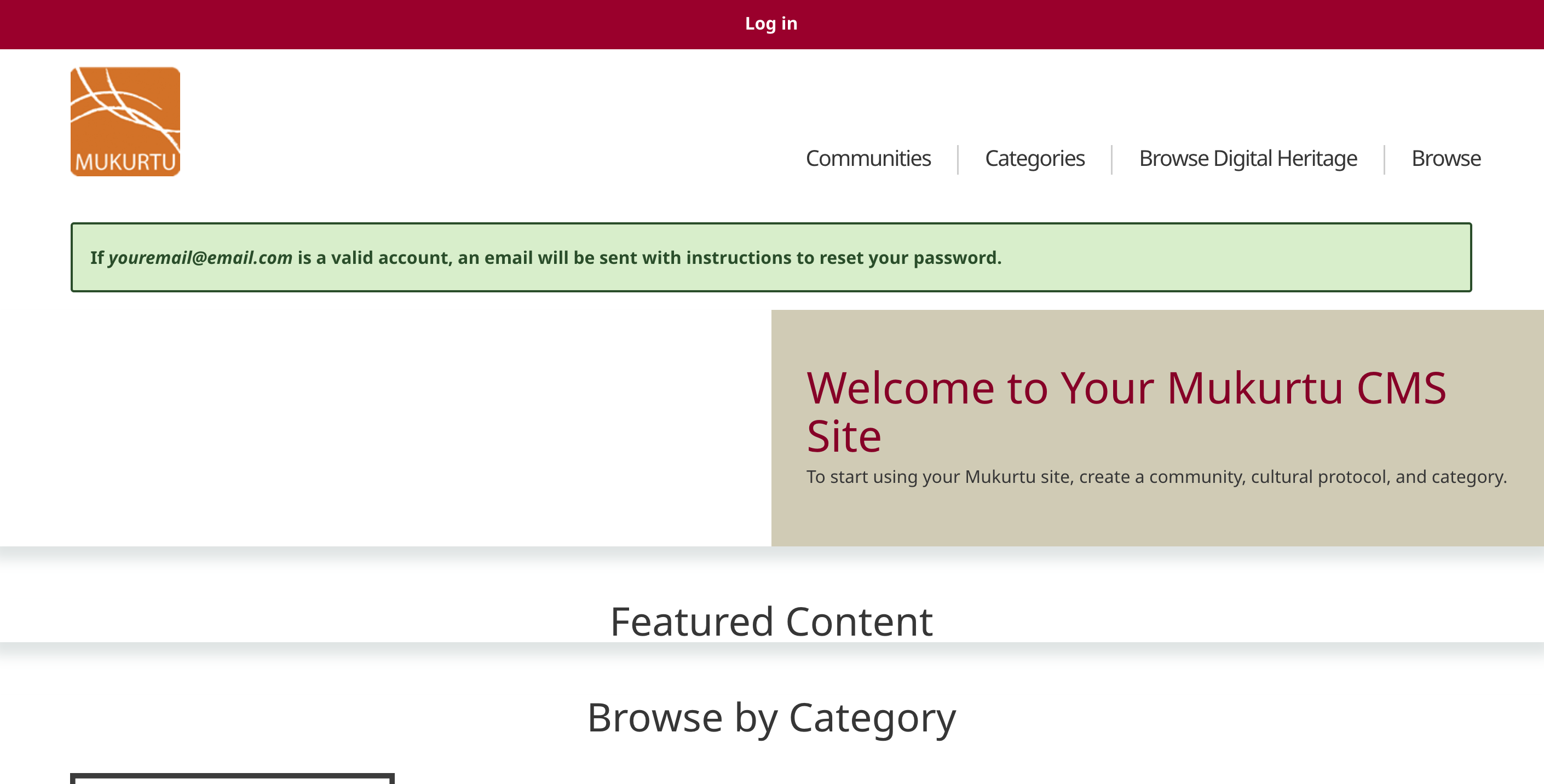
- The homepage will load and display a success message. Password reset instructions will be sent to your email address.