Understanding Categories
User roles
Mukurtu manager
Categories are high-level descriptive terms that help users browse and discover digital heritage items. All communities on the site share the same set of categories.
Categories reflect the broad scope of content on the site. For example, a large site that includes a wide range of archival, museum, library, and language materials will likely need more or broader categories than a small site focused on a single collection. Digital heritage items must belong to one or more category.
If the categories are too broad they won’t help users narrow down their search, but if they are too narrow they may not represent the scope of the site. You can ensure that the category terms you choose make sense to your users by avoiding jargon and overly technical terms.
Most sites have between 10-15 categories. If you need more granular terms, you can use other taxonomies such as keywords.
There are many ways categories can be used. Some examples include:
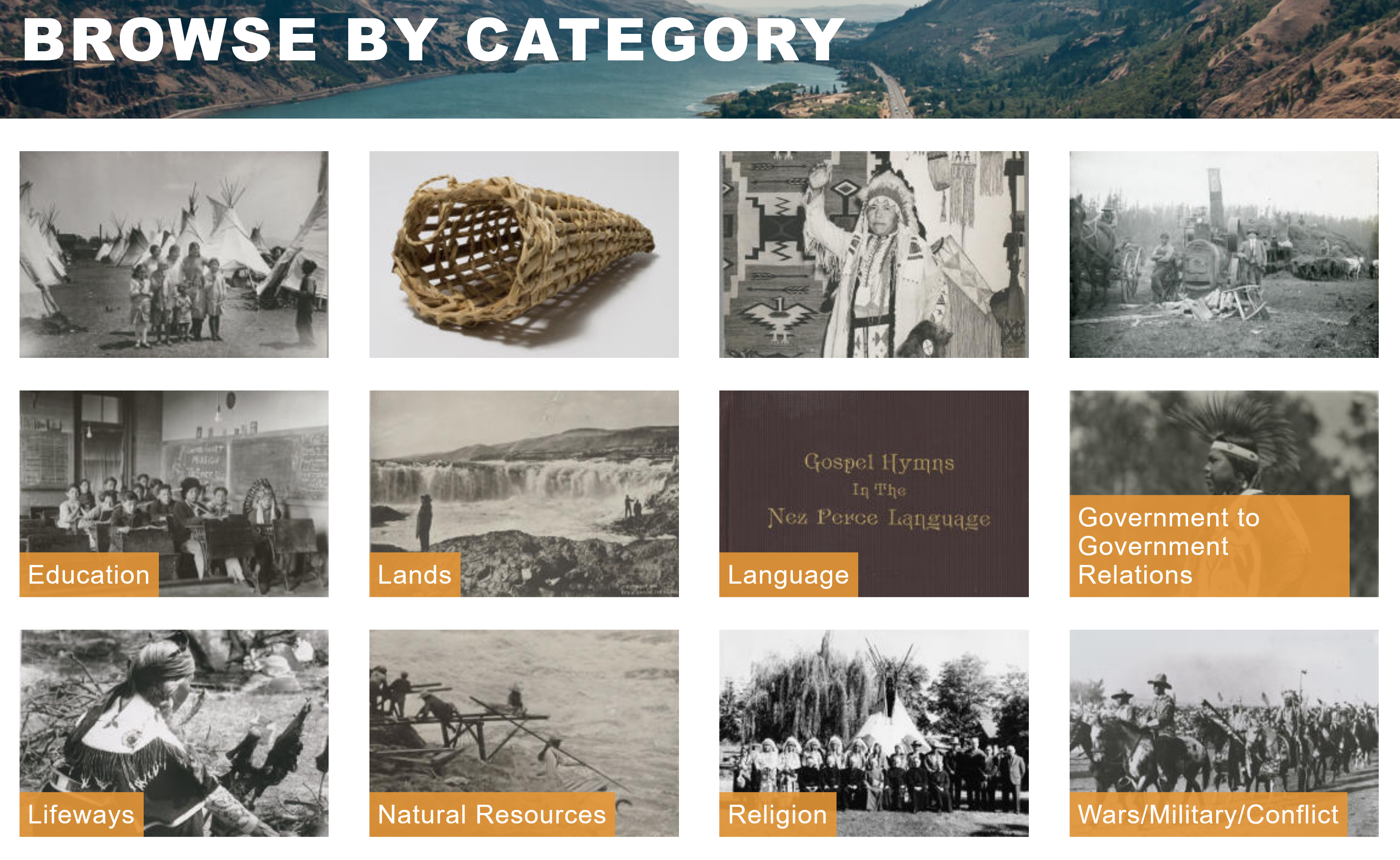
- The Plateau Peoples' Web Portal: The Plateau Peoples' Web Portal uses categories to help users discover content on their site by grouping items by type and use. They also use categories as a targeted assertion of their position as the independent governments of the nations whose artifacts are accessible through this repository by using Government to Government Relations as one of their 12 categories.
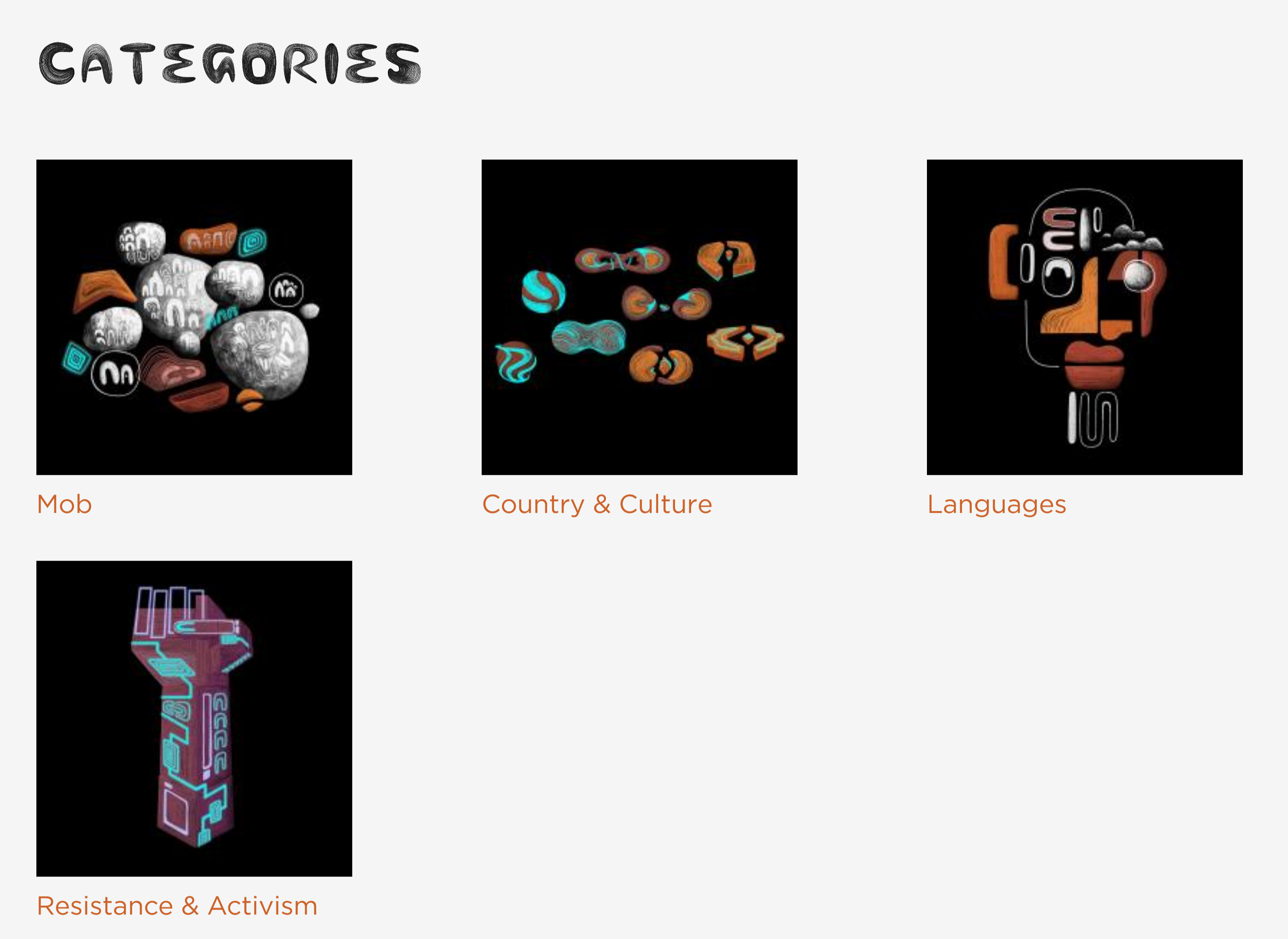
- Gather: State Library of New South Wales: Gather is a repository whose stated goal is to connect Aboriginal communities with collections and stories from the State Library of New South Wales. They use the categories function in a unique manner, highlighting their four categories by working with Jake Duczynsky, a Gamilaraay and Mandandanji artist and animator, to design animated category icons.